Imagine taking a production application that works well today and freezing it for two years.
No code changes. No dependency updates. No security patches. No browser or operating-system testing. No review of production logs. No changes to third-party integrations. No performance work.
For a while, the application might continue working exactly as before. But the environment around it would not stand still. A payment provider could change an API, a framework version could reach end of support, a browser update might expose a compatibility problem, growing data could make an old query noticeably slower, or a security advisory could appear for a library the application has depended on for years.
Nothing about the original release suddenly became badly engineered. The application simply continued operating while the systems, users and technologies around it moved on.
That is why application maintenance exists.
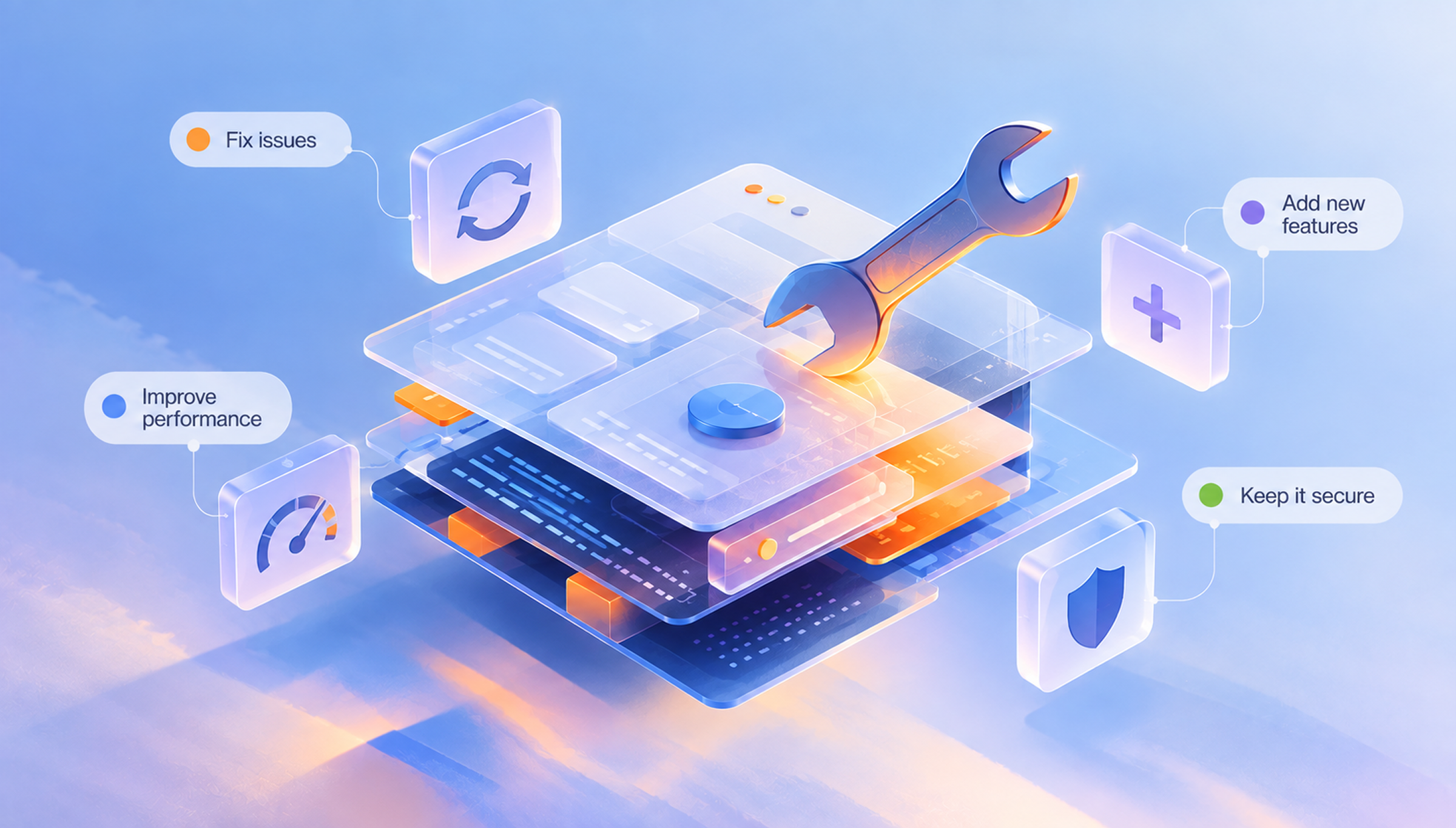
Application maintenance is the ongoing work required to keep a released application reliable, secure, performant, compatible, supportable and useful as both the application and its operating environment change.
Bug fixes are part of it, but maintenance is much broader than repairing defects. It includes understanding how the application behaves in production, applying necessary updates, resolving issues, protecting performance, maintaining integrations, testing changes, keeping operational knowledge current and making sure the system remains safe to modify.
The purpose is not to keep developers busy after launch. It is to stop a working application from gradually becoming a fragile one.
Software projects are often described as if they have a clean finish line:
Plan. Design. Build. Test. Launch.
That sequence is useful for getting a product into production, but it can create the wrong impression about what happens next. Launch does not remove an application from the software lifecycle; it changes the kind of engineering work the application needs.
Before release, the main question is whether the team can build the product correctly. After release, the question becomes whether the team can keep it working correctly while users, platforms, dependencies and business requirements continue to change.
AWS Well-Architected guidance reflects this operational reality. It treats version control, testing, configuration management, patch management, multiple environments and controlled deployment as ongoing practices for operating software, not activities that become irrelevant after the first successful production release.
The same principle appears elsewhere in software engineering. Apple recommends treating application performance as a continuous improvement process, where teams measure how software behaves, make changes and verify whether those changes actually help. The NIST Secure Software Development Framework similarly extends secure development beyond release by including practices for responding to vulnerabilities found in deployed software.
Application maintenance is the discipline that brings these responsibilities together after launch.
[Internal Link: “Why App Maintenance Starts the Day Your App Goes Live”]
The simplest answer is that the application itself is only one part of the system.
A modern application depends on browsers, operating systems, devices, cloud infrastructure, frameworks, packages, databases, APIs, authentication platforms, payment providers and other services that continue changing independently.
Users and businesses change too.
What changes
What that can mean for the app
Frameworks and libraries
New vulnerabilities, compatibility issues or end-of-support
Browsers and operating systems
Existing features behave differently or stop working
Third-party APIs
Authentication, endpoints, limits or data formats change
Data volumes
Queries and storage patterns that once worked become inefficient
Traffic
Infrastructure approaches limits it was never designed to reach
Security threats
Previously acceptable controls are no longer sufficient
User behaviour
Real workflows expose defects or usability problems
Business requirements
Existing features no longer fit how the organisation works
Team composition
Important knowledge disappears unless it is documented
This is the basic reason maintenance is unavoidable for an application that is expected to remain useful.
Software can deteriorate without anyone actively damaging it.
A good example is dependency risk. The OWASP Top 10:2025 category on Software Supply Chain Failures covers risks associated with unmaintained components, outdated dependencies and software whose security or provenance is no longer adequately controlled. An application can therefore inherit new risk even when its own code has not changed.
Maintenance keeps the application aligned with the environment in which it has to operate now, rather than the environment that existed when it was first released.
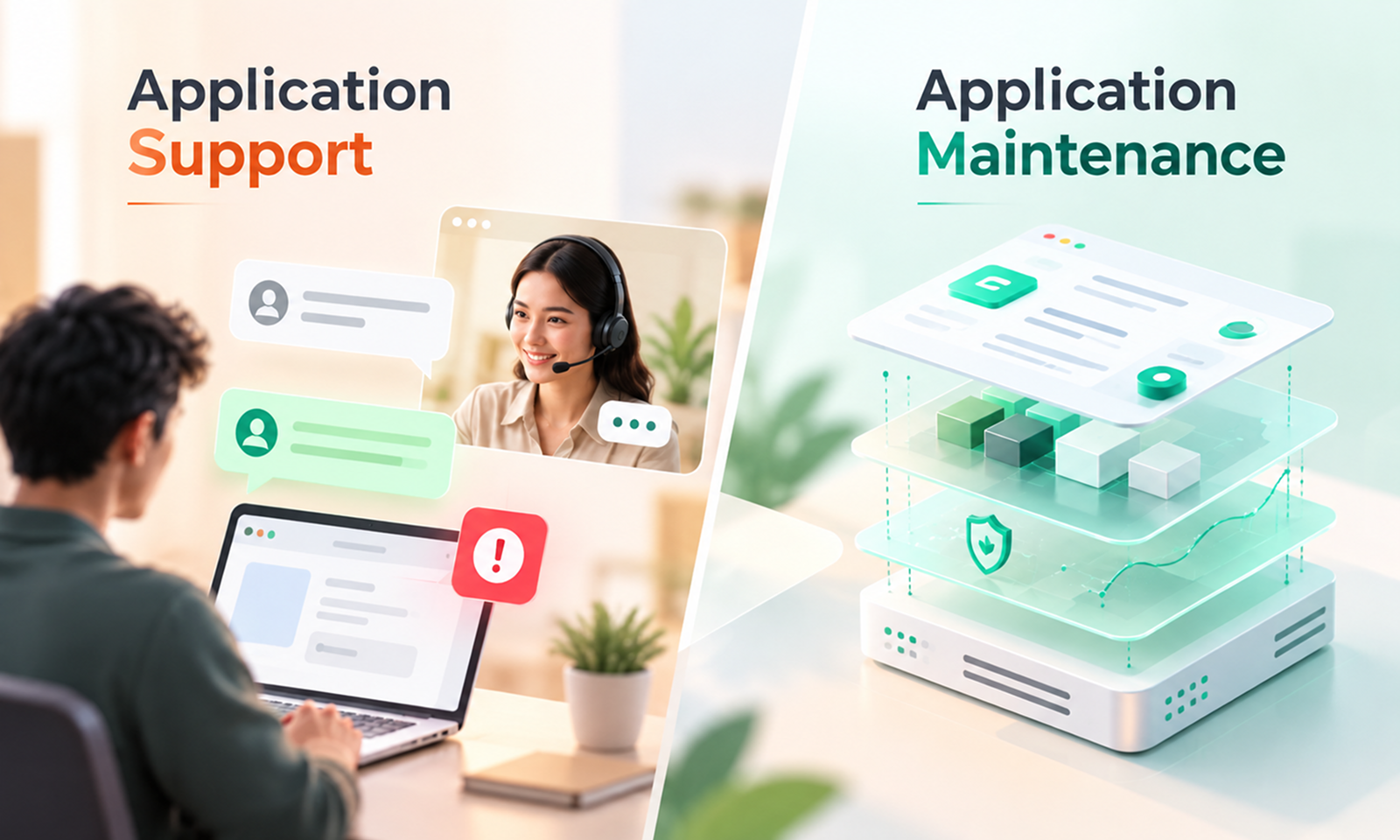
Application maintenance is sometimes reduced to a support queue where users report bugs and developers fix them.
That is certainly part of the job, but it is not enough. A complete maintenance practice has to deal with both problems users can already see and conditions that may become problems later.
At a practical level, the work usually spans several areas.
Once an application is live, the team needs some way to understand what is happening when nobody is actively testing it.
That generally means monitoring signals such as availability, errors, latency, traffic, infrastructure pressure and failures in important workflows.
Google's Site Reliability Engineering guidance describes latency, traffic, errors and saturation as four particularly useful signals for user-facing systems. The point is not that every application must use exactly those four measures. It is that application health cannot be inferred from a single indicator such as uptime.
A server can be online while checkout is failing. An API can return successful responses while becoming steadily slower. A background process can stop working without affecting the application's home page at all.
For maintenance, monitoring exists to answer a simple question: is something beginning to go wrong?
The detailed design of a monitoring strategy belongs in its own discussion. What matters here is that maintenance should not depend entirely on users discovering failures first.
Production exposes situations that development and pre-release testing cannot reproduce perfectly.
Users bring different devices, unusual data, unexpected workflows and network conditions. External services behave differently under load. Concurrency problems appear only when enough people use the same part of the system at once.
Maintenance gives the team a repeatable path from a reported or detected problem to a verified fix. That usually means reproducing the behaviour, identifying the cause, making a controlled change, testing it and then confirming that the correction works in production.
The aim is not to promise that software will never contain another defect. It is to prevent known problems from becoming permanent characteristics of the product.
Security conditions continue changing after release.
A package that was considered safe when the application launched may later receive a vulnerability disclosure. A provider may retire an authentication method. A configuration weakness may be discovered after months of normal operation.
The NIST Secure Software Development Framework specifically includes practices for identifying and responding to vulnerabilities in released software, which is an important reminder that application security cannot be treated as a pre-launch checkpoint.
Maintenance provides the route from identifying a security issue to safely correcting it in production.
A full security-maintenance programme deserves its own article, but the principle is straightforward: an app cannot remain Secure if nobody revisits its security posture after release.
Most application code sits on top of software maintained by other people.
Languages, frameworks, packages, SDKs, databases and infrastructure services all have their own release cycles. Older versions eventually stop receiving the same level of support, and the gap between the application's current stack and actively maintained versions can widen quickly.
Maintenance keeps that gap manageable.
This does not mean installing every new version as soon as it appears. In fact, updating without proper testing can introduce problems of its own. A sensible maintenance process understands which components matter, which versions remain supported, what a proposed update changes and how that change will be validated before production.
This is part of keeping the application Current & Updated in Levelworks' App Health model.
Performance is not something a team optimises once and then permanently solves.
Data grows, features add processing, client-side code becomes heavier, integrations add network calls and traffic patterns change. A system that felt fast at launch can become noticeably slower without any single dramatic regression.
Apple's production performance guidance reflects this by encouraging teams to use production measurements to identify changes in launch time, responsiveness, memory use and other performance characteristics across versions.
Maintenance turns that information into action.
Sometimes the work is small: improving a query, reducing unnecessary network calls or fixing an inefficient background job. At other times it may expose a deeper architectural constraint.
Either way, maintenance helps prevent a Performant application from becoming progressively less performant while everyone gets used to the decline.
Applications rarely control the systems around them.
Browsers update. Mobile operating systems change. External providers release new API versions. Authentication flows evolve. Devices introduce new constraints.
The application has to keep up with the parts of that environment it depends on.
A payment API, identity provider or CRM connection can be just as important to the actual user experience as the code running inside the application itself. If that dependency changes and the integration is not maintained, users experience the resulting failure as a problem with the product.
Compatibility works the same way. The application may have been thoroughly tested against a particular operating system or browser version at launch, but that says little about how it will behave several major versions later.
Maintenance keeps these relationships current rather than assuming outside systems will behave the same forever.
Maintenance requires making changes to live software, which means maintenance can create problems if those changes are not handled carefully.
A bug fix can introduce a regression. A dependency upgrade can alter unrelated behaviour. A configuration change can work in one environment and fail in another.
AWS recommends validating changes in pre-production environments and testing not only functionality but also integration, load and monitoring behaviour where appropriate. AWS also recommends keeping changes small and reversible so that problems are easier to identify and recover from.
This is why testing, version control and deployment discipline belong inside application maintenance rather than being treated purely as development practices.
An application should be sufficiently Tested, Version Controlled and Seamlessly Updatable that ordinary maintenance does not become a new source of instability.
Applications accumulate knowledge that does not necessarily live in the code.
Why was a particular architectural decision made? Which integrations are business-critical? How is production deployed? What should happen if a scheduled process fails? Where is configuration managed? What is the recovery procedure?
When those answers exist only in someone's memory, maintenance becomes harder every time the team changes.
Keeping important technical and operational documentation current therefore forms part of maintaining the application itself. The goal is not exhaustive documentation for its own sake. It is to preserve enough knowledge that somebody other than the original developer can safely understand, operate and change the system.
Active maintenance does not mean continuously rewriting the product or adding features.
A stable application may go through periods in which very little code changes. During that time, maintenance might involve reviewing production behaviour, applying a dependency update, checking compatibility with a new browser release, renewing a certificate, resolving a small defect or confirming that backups and integrations still behave correctly.
Good maintenance is need-driven rather than activity-driven.
This distinction also helps separate maintenance from product development. Building a major new business capability is primarily product development; keeping an existing capability reliable as its dependencies and operating environment change is maintenance.
The two areas naturally overlap, but calling every post-launch change “maintenance” makes it difficult to define what the maintenance function is actually responsible for.
[Internal Link: “What Do Application Maintenance Services Actually Include?”]
At Levelworks, we use App Health Aspects to describe the qualities a maintained application should preserve.
A healthy app is Observable, Secure, Resilient, Error Free, Performant, Current & Updated, User Friendly & Delightful, Supported, Scalable, Integrable, Explainable & Debuggable, Tested, Version Controlled, Seamlessly Updatable, Well Documented, Compatible and Compliant.
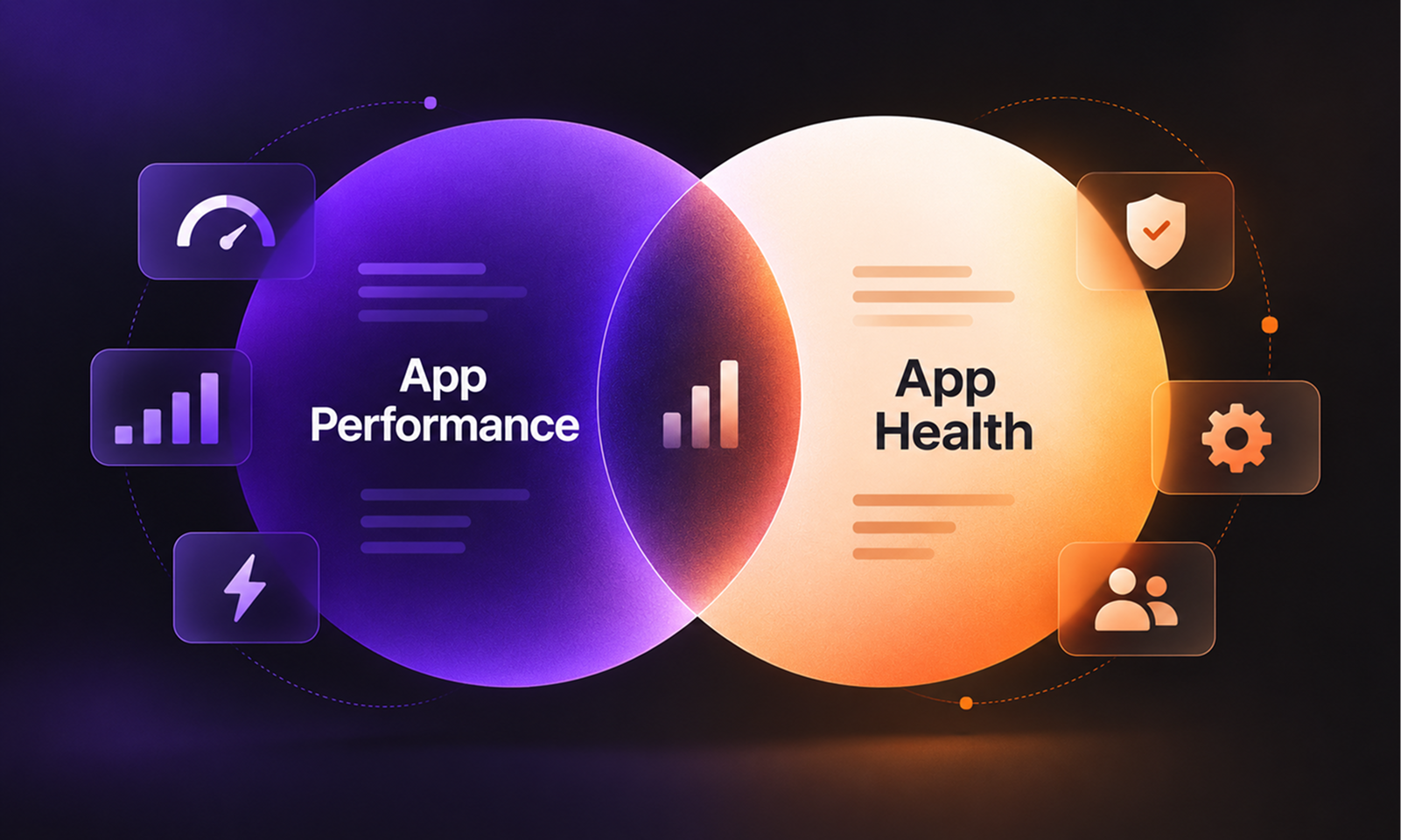
Application maintenance and App Health are not the same thing.
App Health describes the condition of the application. Maintenance is one of the main ways that condition is protected and improved.
A few examples make the connection clearer:
Maintenance activity
Health aspect it protects
Reviewing production errors and alerts
Observable, Error Free
Applying a security patch
Secure, Current & Updated
Testing recovery from a component failure
Resilient
Investigating increasing response times
Performant
Updating an external API integration
Integrable, Compatible
Adding regression coverage before a risky change
Tested
Replacing a manual deployment step with a repeatable process
Seamlessly Updatable
Updating operational runbooks
Well Documented, Supported
This gives maintenance work a purpose beyond closing tickets.
A dependency update matters because it helps keep the application supportable and Secure. Monitoring matters because the team cannot manage risks it cannot see. Testing matters because an application that works only until somebody changes it is difficult to maintain safely. Documentation matters because an application that only one person knows how to operate carries a maintenance risk even while every screen is functioning correctly.
[Internal Link: “What Is App Health? 17 Signs of a Healthy Application”]
Teams use different tools, cadences and ownership models, but effective maintenance generally follows the same underlying loop.
Start with evidence from production.
That may include error reports, logs, performance data, availability checks, infrastructure signals, security advisories, user-reported problems and information from third-party services.
The aim is not to collect every possible metric. It is to have enough visibility to recognise meaningful changes in how the application behaves.
Not every warning requires an immediate code change.
A maintenance team has to understand impact. A defect affecting a core business workflow deserves different treatment from a cosmetic issue on an obscure page. A dependency update addressing an actively exploited vulnerability carries different urgency from a routine minor release.
Good maintenance therefore involves prioritisation based on factors such as user impact, business impact, security exposure, likelihood of deterioration, cost of delay and the risk introduced by the proposed change itself.
Treating every issue as equally urgent usually creates noise rather than better maintenance.
Once the problem is understood, make the smallest sensible change that addresses it safely.
The change might be a bug fix, configuration adjustment, dependency update, infrastructure modification, query optimisation or integration update.
Keeping changes focused makes them easier to understand, test and reverse. It also makes the result easier to evaluate because fewer unrelated variables are being changed at the same time.
A maintenance task is not complete simply because the deployment succeeded.
The change should solve the original problem without introducing another one.
That means validating behaviour before release and then checking production after release. If the maintenance work targeted a slow API endpoint, for example, verification should confirm both that the endpoint improved and that the change did not create new errors or resource pressure elsewhere.
Useful maintenance improves the next round of maintenance.
If an issue took hours to diagnose because a useful log was missing, add the missing information. If a regression escaped because no appropriate test existed, consider adding one. If recovery depended on undocumented knowledge, document the procedure while it is still fresh.
Over time, this turns maintenance from repeated firefighting into a process that makes the application easier to understand and operate.
Some maintenance will always be reactive. Services fail, users discover bugs, external providers experience outages and urgent vulnerabilities appear without warning.
The problem is not responding reactively when circumstances require it. The problem is allowing all maintenance to begin only after something visible has gone wrong.
Several forms of deterioration are easy to miss under a pure break/fix model. Error rates can rise slowly without triggering a major incident, performance may worsen a little with each release, dependencies can approach end-of-support, or an integration can remain on an API version that already has a retirement date.
Production software often gives off weak signals before these issues become disruptive. Maintenance creates a routine for noticing those signals and deciding whether they matter.
This is also why a quiet support queue should not automatically be interpreted as evidence that the application is healthy. Few complaints may mean few problems, but they can also mean that users have adapted to existing problems or that nobody has enough visibility to see what is deteriorating.
There is no universal amount.
An internal tool used by a small team has a different risk profile from an ecommerce platform processing revenue around the clock. A mobile application is heavily influenced by operating-system and device changes, while a regulated system may have additional compliance requirements. A SaaS product releasing weekly needs a different maintenance rhythm from a mature application that changes only a few times each year.
Maintenance effort should reflect factors such as:
This is why maintenance is more useful when planned around risk than around an arbitrary allocation of engineering hours.
A system whose application code has barely changed may still require significant maintenance because the ecosystem around it has moved considerably. Another application may release frequently while remaining relatively easy to maintain because its testing, monitoring and deployment practices are strong.
Maintenance becomes unreliable when responsibility is implied rather than explicit.
After launch, several groups can easily assume somebody else is watching the application. Product expects engineering to monitor production, engineering assumes operations owns infrastructure alerts, an external development partner believes the client is handling dependency updates, and support knows about a recurring problem that never reaches the technical backlog.
The exact ownership model can vary. Some organisations maintain applications internally, others work with an external maintenance partner, and many divide responsibility between product, engineering, infrastructure providers and specialist teams.
What matters is clarity.
Someone should know who owns production monitoring, incident response, dependency and security updates, bug investigation, releases, integration changes, documentation and maintenance prioritisation.
AWS operational-readiness guidance recommends explicit support plans, runbooks for routine activities and playbooks for investigating issues. The underlying point is simple: production health depends not only on good software but also on clear operational responsibility.
At Levelworks, Supported is one of the App Health Aspects for precisely this reason. Good code can still deteriorate when nobody is clearly responsible for what happens after launch.
Usually, very little happens immediately, which is why postponing maintenance can feel harmless.
The application still opens, customers continue using it and the product team has more visible priorities. A framework update gets moved to next quarter. A small compatibility issue is tolerated. A dependency warning remains in the backlog because nothing is currently broken.
Over time, however, these decisions start interacting. A framework falls several major versions behind, which makes a future upgrade more difficult. An old integration needs a new authentication flow, but the code around it has limited test coverage. Documentation no longer matches production, while the developer who originally built the component has moved on.
Work that would once have been routine becomes harder because the surrounding context has changed.
This is maintenance debt: work that was deferred while it was manageable and later becomes more expensive because other technologies, assumptions and dependencies have continued moving.
That does not mean every maintenance task needs immediate attention. Good maintenance includes deliberate deferral.
The problem is unmanaged deferral, where nobody has a clear view of what is ageing, what risk is building or when postponement will become more expensive than fixing the issue.
Eventually, an application can reach the point where ordinary maintenance is no longer enough and sections of the system need modernisation simply to become maintainable again.
It is easy to measure maintenance by activity.
Tickets closed. Releases completed. Updates installed.
Those numbers can help manage a team, but they do not prove that the application is healthier.
A more useful question is whether the application is becoming easier to understand, operate and change.
Healthy maintenance tends to leave practical evidence behind. Important failures become visible before they spread widely. Recurring defects stop recurring. Dependencies remain within a manageable upgrade distance. Releases create fewer surprises. Performance regressions are noticeable across versions rather than accepted as normal. Critical integrations are understood, security updates have a known route into production, recovery procedures can actually be used, and technical knowledge survives changes in the people maintaining the application.
None of this requires perfection.
It means the application's weaknesses are known and managed instead of being discovered accidentally.
That is a far more useful measure of maintenance success than an empty bug queue.
The most obvious reason to maintain an application is to keep it working, but there is another reason that becomes more important as the system ages: maintenance keeps the application changeable.
Businesses rarely need software to remain exactly as it was originally released. Customer needs develop, regulations are updated, integrations change, security issues emerge and business processes evolve. The application has to accommodate those changes without turning every modification into a risky recovery project.
When an application has been maintained well, much of this is ordinary engineering work. When it has not, even a modest change can begin with weeks of discovery: finding out which dependencies can still be upgraded, understanding undocumented configuration, determining whether tests can be trusted and working out how production can be safely rolled back.
That is the deeper purpose of application maintenance.
It protects the application's ability to continue participating in the business instead of gradually becoming a system the business is afraid to touch.
At Levelworks, this is why maintenance connects naturally to App Health. Observability, security, resilience, performance, support, scalability, integrations, testing, version control, updates, documentation, compatibility and compliance are not boxes that can be checked once and forgotten. They are qualities that have to remain healthy while the application continues to operate and change.
An application does not need maintenance because software inevitably “goes bad.” It needs maintenance because useful software has to keep adapting to the environment around it.
The job of application maintenance is to make that adaptation controlled, visible and sustainable, so a working app can remain a healthy one.