Two companies can both say they provide “application maintenance” and mean very different things.
One may offer a break/fix service: you report a problem, someone investigates it, and a developer releases a fix. Another may continuously monitor the application, review security risks, maintain dependencies, test releases, manage integrations, investigate performance problems and keep operational documentation current.
Both are technically maintenance services. They are not remotely the same level of coverage.
That ambiguity matters when businesses are deciding what should happen after an application goes live.
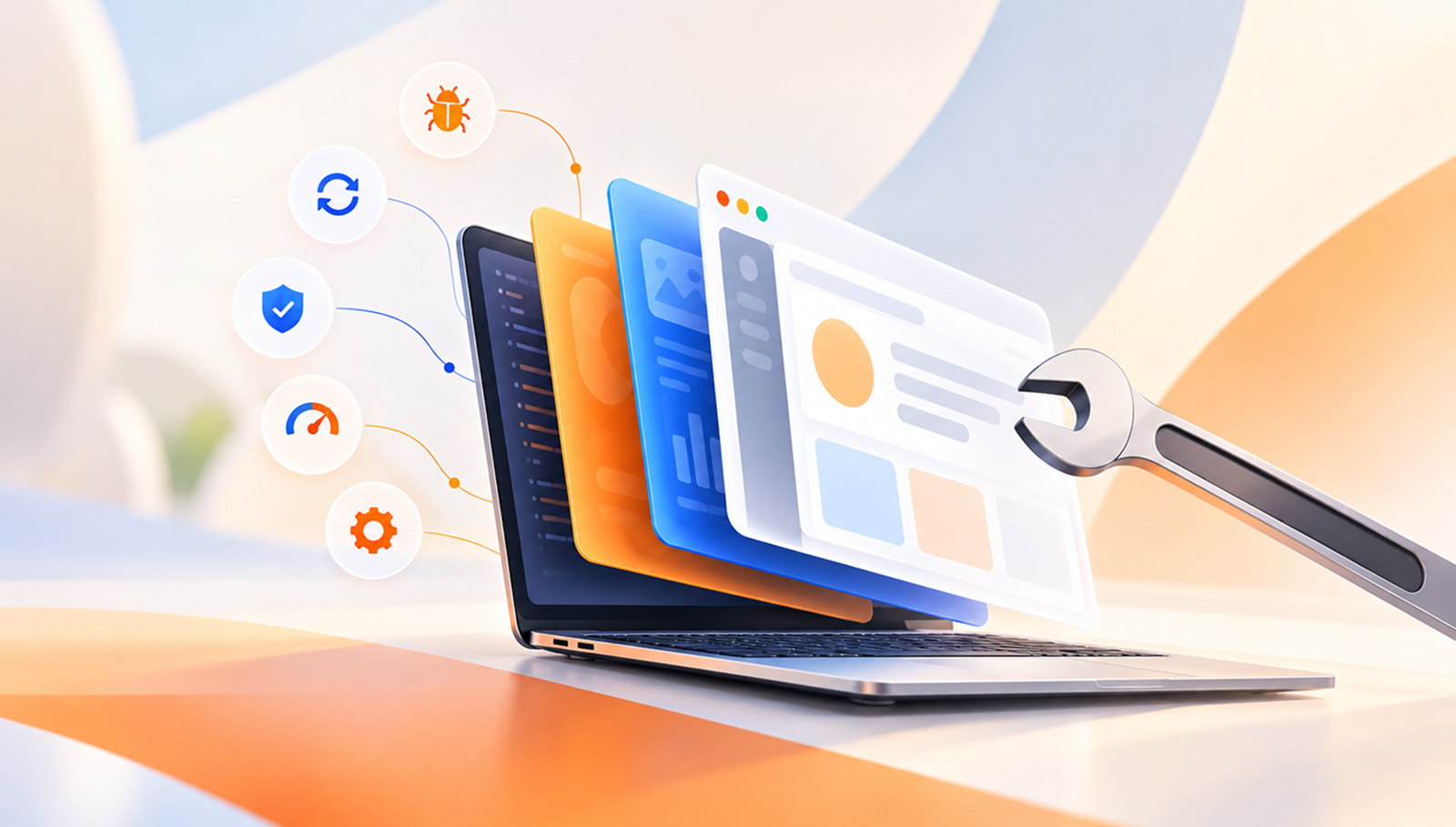
At a practical level, application maintenance services are the ongoing technical and operational activities required to keep an existing application working reliably as its code, users, infrastructure and surrounding technology change.
A well-scoped maintenance service can cover everything from production monitoring and issue resolution to security patching, performance tuning, testing, deployment, integration support and documentation. What is actually included should depend on the application, its business importance and the responsibilities agreed between the maintenance team and the organisation that owns it.
This article breaks down what those services typically include—and where maintenance usually stops and new development begins.
[Internal Link: “What Is Application Maintenance? A Complete Guide to Keeping Your App Healthy”]
The easiest way to understand application maintenance is to look at the work that has to continue after development.
Service area
What the maintenance team typically handles
Application monitoring
Uptime, errors, performance, logs, alerts and production behaviour
Issue resolution
Bug investigation, root-cause analysis, fixes and user-reported problems
Security maintenance
Vulnerability reviews, security patches, access controls and security-related updates
Reliability
Failure recovery, resilience improvements and reducing repeat incidents
Performance
Bottleneck investigation, database tuning, frontend/backend optimisation
Updates and upgrades
Dependencies, frameworks, platforms and existing feature improvements
Integration support
APIs, third-party services, version changes and integration failures
Testing and QA
Regression testing, functional validation and release checks
Configuration and releases
Environment management, version control, CI/CD and rollback processes
Documentation and support
Technical documentation, runbooks, knowledge transfer and support processes
Compatibility
Browser, device, OS and platform validation
Compliance-related maintenance
Maintaining relevant technical controls and preparing for changing requirements
Not every application needs every service at the same depth. A small internal tool does not need the same maintenance model as a payment platform or a customer-facing SaaS product.
The important thing is that these responsibilities are explicit rather than assumed.
Application maintenance should normally begin with visibility.
If the maintenance team only learns about problems when a customer sends a screenshot, it is operating reactively by default.
Production monitoring can include:
Google's Site Reliability Engineering guidance recommends paying particular attention to latency, traffic, errors and saturation, while also distinguishing between symptoms users experience and the technical causes behind them. Google SRE: Monitoring Distributed Systems
What gets monitored should reflect the application.
For an ecommerce product, availability alone is not enough if checkout has stopped processing payments. For an internal reporting application, a successful homepage request says little if the nightly data-processing job has failed.
At Levelworks, this connects directly to the Observable aspect of App Health: a team needs enough visibility into the application to recognise deterioration before it becomes a larger operational problem.
[Internal Link: “Application Monitoring: What Should You Monitor in a Production App?”]
This is the part of maintenance most people expect.
A user encounters an error, a background process fails, a workflow behaves incorrectly or monitoring detects an abnormal condition. The maintenance team investigates what happened and fixes it.
The service usually involves more than writing the code change itself. A useful issue-resolution process includes reproducing the problem, identifying its root cause, estimating its impact, making the change, testing it and checking that the fix behaves correctly after release.
There is also an important difference between fixing an incident and removing the reason it keeps happening.
Restarting a failed process may restore service quickly, but if the same process fails every few days, the maintenance job is not finished. Repeated incidents should eventually lead to investigation of the underlying cause.
That is where issue resolution contributes to several App Health aspects at once: Error Free, Supported, Explainable & Debuggable and Resilient.
Security work does not stop once an application passes its pre-launch testing.
New vulnerabilities are discovered in dependencies, frameworks and platforms long after software has been released. Configuration weaknesses may be identified later, while authentication standards and security requirements also change.
Application maintenance services can therefore include:
The NIST Secure Software Development Framework treats responding to vulnerabilities in released software as part of the software lifecycle. Its practices include identifying residual vulnerabilities, addressing them and reducing the chance that similar problems recur.
Dependency maintenance is particularly important. The current OWASP Top 10 category on Software Supply Chain Failures identifies unsupported, outdated and vulnerable components as sources of application risk and recommends tracking component versions and applying updates in a risk-based manner.
Maintenance should not mean blindly installing every available update. A patch still needs to be assessed and tested before it reaches production.
The objective is to keep the application Secure and Current & Updated without making uncontrolled changes.
Maintenance services also deal with what happens when something fails.
Applications depend on databases, queues, networks, cloud infrastructure and external services. Some failures are inevitable; the maintenance question is whether they turn into a brief, contained problem or a much larger outage.
Reliability work can involve reviewing recurring failures, improving retry behaviour, introducing safer fallback behaviour, checking recovery procedures and reducing situations where one component failure affects the entire product.
For example, if a third-party recommendation service is unavailable, the application may be able to continue serving the core page without recommendations. If the whole page crashes because the recommendation call fails, the maintenance team has a resilience problem to address.
The amount of reliability engineering required varies enormously by application, so this should not automatically be interpreted as building elaborate high-availability infrastructure for every product.
It means maintaining an appropriate level of Resilience for the consequences of failure.
Performance problems often develop gradually.
A database becomes larger, an endpoint starts processing more data, new frontend code increases page weight or a third-party call adds latency to an important workflow. The application may still function correctly while becoming noticeably slower.
Maintenance services can include investigating these regressions and correcting the bottlenecks behind them.
Typical work includes:
Apple's developer guidance treats performance as an ongoing measurement and improvement process, with tooling for investigating responsiveness, memory use, launch behaviour and resource consumption in applications that are already being used. Apple: Performance and Metrics
Performance maintenance is therefore not necessarily a one-off “speed optimisation” project. It is about keeping the application Performant as its workload and codebase change.
Performance asks whether the application is fast enough now. Scalability asks whether it can remain that way as demand changes.
Maintenance teams may need to investigate what happens when traffic, users, records, transactions or background processing increase.
That might involve capacity reviews, load distribution, infrastructure scaling, database optimisation or finding components that are approaching their practical limits.
This work should be driven by actual or expected demand rather than vague ambitions to make everything “infinitely scalable.”
An application serving 500 internal users has different needs from one handling unpredictable public traffic.
For maintenance purposes, Scalable means the application's expected growth should not automatically result in degraded performance or instability.
A large portion of modern software is built on code the application team did not write.
Frameworks, packages, runtimes, databases, SDKs and operating systems all move through their own release and support cycles.
Application maintenance therefore includes keeping track of important components and deciding when updates are needed.
A maintenance team might:
This can look uneventful when it is done regularly. When it is ignored for years, however, a routine upgrade can become a substantial engineering project because several layers of the application have to move at once.
AWS's Operational Excellence guidance explicitly includes patch management, version control, testing changes and configuration management among the practices required to operate software effectively. AWS Well-Architected: Design for Operations
This work primarily keeps the application Current & Updated, but it also affects security, compatibility and maintainability.
Applications increasingly depend on systems outside their own codebase.
Payment gateways, identity providers, CRMs, analytics platforms, email services, storage platforms, maps and AI services can all become part of the application's day-to-day operation.
Those integrations need maintenance too.
Providers change API versions, retire endpoints, alter authentication, introduce new limits or change response behaviour. Sometimes the integration itself remains technically valid but becomes unreliable because of timeouts, increased latency or changed usage patterns.
Maintenance services can cover:
From the user's perspective, it usually makes little difference whether a failed workflow is caused by your own code or somebody else's API. The product still failed.
This is why Integrable is one of Levelworks' App Health Aspects rather than something treated as external to the application.
Every maintenance change carries some possibility of breaking something that already works.
Testing reduces that uncertainty.
Maintenance testing can include functional checks, automated tests, regression testing, release validation and targeted testing around the part of the application being changed.
AWS recommends testing changes before delivery and notes that validation should extend beyond application code to areas such as infrastructure, configuration and security controls.
The exact test suite depends on the application, but the objective is the same: establish reasonable confidence that the maintenance change solved the intended problem without creating another one.
This is particularly important for older applications, where code may have many dependencies that are not obvious from the part being changed.
Testing is therefore not an optional extra added after the “real” maintenance work. It is part of making that work safe.
Maintenance work has to reach production somehow.
That means a maintenance service should also establish who is responsible for the mechanics of change.
Typical responsibilities can include:
AWS notes that version control makes it possible to track releases and revert to known-good states when a change causes problems.
This operational layer is easy to overlook when maintenance is described simply as “developer support,” but it determines how safely fixes and updates can actually be delivered.
Within Levelworks' framework, this supports the Version Controlled and Seamlessly Updatable aspects of App Health.
An application may work perfectly in the environment where it was originally tested and behave differently after browsers, operating systems or devices change.
Compatibility maintenance checks whether the application continues to work across the environments the organisation has decided to support.
For web applications, that might mean browser and responsive testing. For mobile applications, new operating-system releases and device behaviour can require attention.
The important word is supported. Maintenance does not require testing against every device or browser ever released.
The supported matrix should be explicit, and the maintenance service should keep the application Compatible within that boundary.
Not every post-launch problem is a technical failure.
Users may struggle with an unclear workflow, repeatedly contact support about the same interaction or encounter messages that do not explain how to recover from an error.
Some maintenance arrangements therefore include modest UX refinements and user-support work alongside technical fixes.
That can involve usability improvements to existing functionality, clearer error states, accessibility fixes, support workflows, knowledge-base updates and investigation of recurring user-reported problems.
There is an important boundary here: maintaining and refining an existing experience is different from commissioning a complete product redesign.
Levelworks includes both User Friendly & Delightful and Supported within App Health because an application can be technically operational while still creating persistent friction for the people using it.
Good maintenance leaves behind more than code changes.
A maintenance team should also preserve the knowledge required to operate the application.
That can include:
Documentation matters most when something changes: a developer leaves, a new team takes over the application or an incident has to be investigated quickly.
An application that depends heavily on unwritten knowledge may work perfectly today while remaining difficult to support tomorrow.
That is why Well Documented is a health characteristic rather than administrative housekeeping.
Applications operating in regulated environments may also require continuing work around compliance.
The exact tasks depend on the application, the organisation, the data it handles and the regulatory requirements that apply to it. Maintenance may include supporting audit evidence, preserving required controls, implementing compliance-related technical changes or responding when relevant requirements change.
This should always be scoped specifically rather than described vaguely as “keeping the app compliant.”
A maintenance provider is not automatically responsible for every legal or organisational compliance obligation simply because it maintains the software.
Its role is usually to maintain the technical controls and application changes that fall within the agreed scope.
This is almost as important as defining what is included.
A maintenance agreement does not normally mean unlimited software development.
Depending on the engagement, work outside routine maintenance may include a major new product module, a complete UX redesign, rebuilding the application on a different architecture, large-scale cloud migration, replacing the entire technology stack or developing a substantial new integration from scratch.
There is no universal rule. A maintenance partner may be perfectly capable of doing all of those things, but they should usually be scoped as separate development or modernisation work rather than quietly absorbed into a maintenance retainer.
Similarly, 24/7 support, guaranteed response times, dedicated staffing and specific availability commitments should not be assumed. They need to be defined in the service agreement.
[Internal Link: “How to Scope an Application Maintenance Engagement”]
A good maintenance service should make three things clear.
First, ownership. You should know who monitors the application, who investigates problems, who can deploy changes and who is responsible when an external service or dependency needs attention.
Second, boundaries. The agreement should distinguish routine maintenance from new development, define supported environments and integrations, and state what level of support is available.
Third, evidence. Maintenance should produce some way of understanding what is happening to the application: issues found, changes made, recurring risks, performance trends, security work, unresolved concerns and upcoming technical requirements.
Without those elements, maintenance can easily become an undefined pool of developer hours.
Levelworks approaches this through the condition of the application itself. The work may involve monitoring, security, reliability, performance, scalability, integrations, testing, releases or documentation, but the point is not to perform every maintenance activity all the time. It is to understand which App Health Aspects need attention and apply the right work to keep the application dependable.
That is ultimately what application maintenance services should include: not a generic list of technical tasks, but clear responsibility for keeping an existing application healthy as it continues to operate and change.