When someone inspects a house before buying it, they do not walk through the front door, switch on the lights and conclude that the building is healthy.
The house may look perfectly fine while moisture is spreading behind a wall, electrical work no longer meets current standards or a roof that survived yesterday's rain is approaching the end of its useful life. A good inspection looks beyond what is obviously working and gathers evidence about the condition underneath.
An application health check should do the same.
The fact that an application is online, customers are using it and no major incident happened last week is useful information. It is not enough to establish that the application is healthy.
A proper health check asks harder questions: Is performance deteriorating? Can production problems be diagnosed quickly? Are important dependencies still supported? Can the application recover from failure? Are releases getting riskier? Could another team operate the system if the people who built it were unavailable?
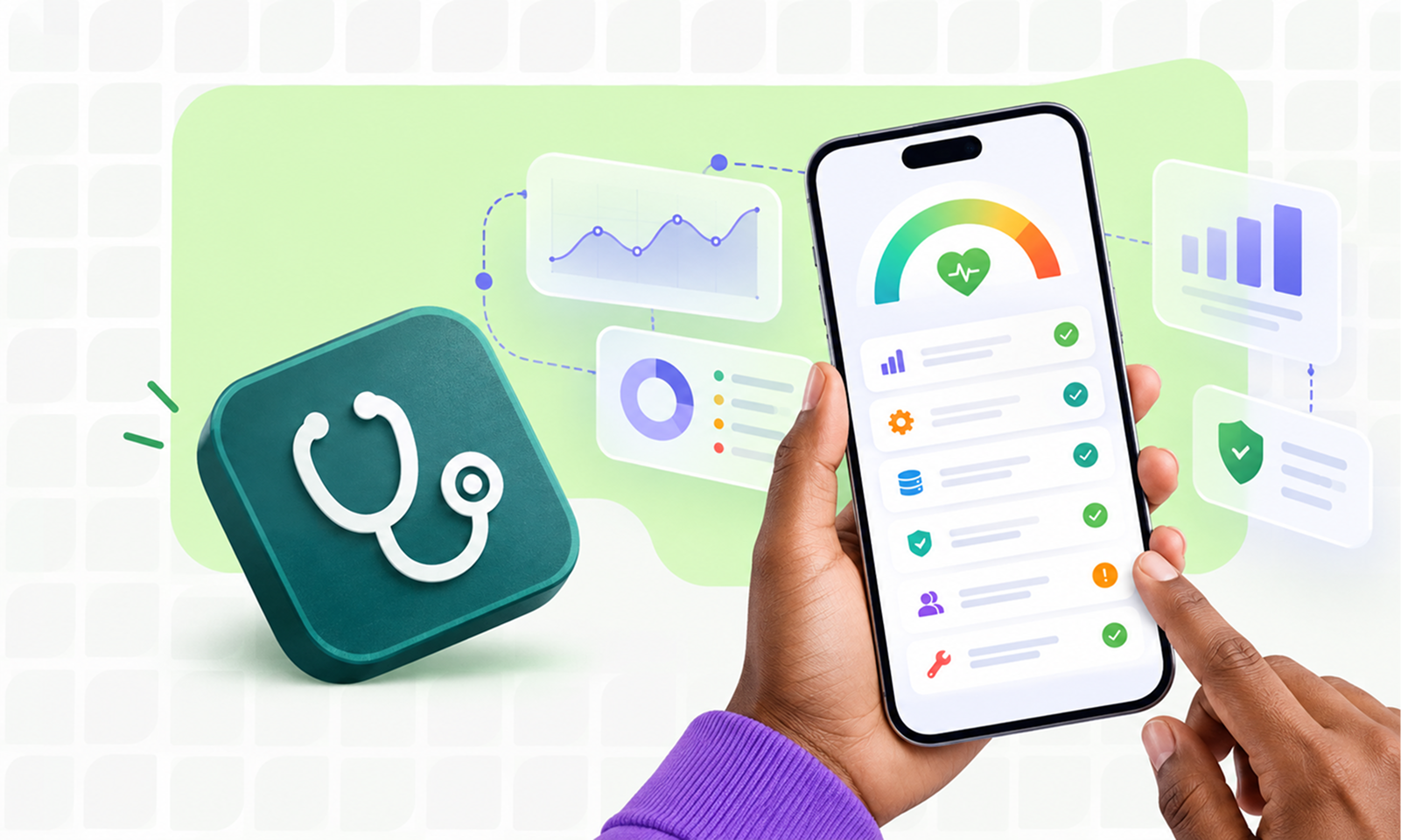
An application health check is a structured assessment of the application's current technical and operational condition, based on evidence rather than assumptions.
At Levelworks, that assessment is viewed through 17 App Health Aspects: Observable, Secure, Resilient, Error Free, Performant, Current & Updated, User Friendly & Delightful, Supported, Scalable, Integrable, Explainable & Debuggable, Tested, Version Controlled, Seamlessly Updatable, Well Documented, Compatible and Compliant.
The purpose of the health check is not to give every dimension an arbitrary score. It is to establish where the application is healthy, where risk is accumulating and what deserves attention next.
[Internal Link: “What Is App Health? 17 Signs of a Healthy Application”]
Before opening monitoring dashboards or vulnerability reports, define the scope.
A health check on an entire SaaS platform is very different from an assessment of one mobile application, one customer portal or one business-critical service inside a larger system.
Record:
The critical user journeys are particularly important because they give the assessment a business context.
For an ecommerce application, that might include browsing, search, login, checkout and order confirmation. For an internal procurement system, creating a purchase request and completing approvals may matter more than whether every secondary reporting screen performs perfectly.
AWS's Well-Architected guidance recommends monitoring not only technical infrastructure but also indicators tied to business value, because a workload can appear technically available while failing to deliver its intended function.
That is a useful principle for the entire health check: start with what the application is expected to do, then examine whether the technology can continue doing it reliably.
A weak health check begins by asking teams how they think the application is doing.
A stronger one begins with evidence.
Collect enough recent information to understand the application's normal condition and its direction over time. Depending on the system, this may include:
Google's Site Reliability Engineering guidance describes monitoring as useful not only for alerting but also for analysing long-term trends, comparing behaviour over time and conducting retrospective debugging. Its four commonly referenced signals—latency, traffic, errors and saturation—provide a useful starting point for understanding production behaviour. Google SRE: Monitoring Distributed Systems
Do not collect data merely because a tool makes it available. The health check should favour evidence that answers a meaningful question.
CPU utilisation may matter. It may also tell you almost nothing about whether checkout is functioning correctly.
Before reviewing deeper maintainability concerns, establish whether production is behaving as expected now.
This is where several App Health Aspects come together: Observable, Error Free, Performant, Resilient and Scalable.
Look beyond the total number of recorded errors.
Ask:
One thousand harmless log warnings may matter less than ten failed payments.
Average response time alone is rarely enough.
Look at important endpoints and workflows, ideally using percentiles such as p95 where appropriate, and compare behaviour across releases or time periods.
For web applications, real-user information can be particularly valuable. Google's guidance on measuring Web Vitals recommends combining real-user, or field, data with controlled laboratory measurements because field data reflects the devices, networks and conditions users actually experience. Google: Measuring Web Vitals
The question is not simply whether the application meets a benchmark today.
Ask whether it is becoming slower.
A system can appear perfectly healthy while moving steadily toward a hard limit.
Review database storage, connection pools, queue depths, memory, CPU, third-party quotas or whichever resources genuinely constrain the application.
Google SRE treats saturation as both current resource pressure and the prediction of approaching limits.
If database storage is growing rapidly enough to become a problem within months, that belongs in a health check even though nothing is broken today.
Security should not be assessed as a single scan.
A useful review asks whether the application can continue remaining secure as new vulnerabilities and technology changes appear.
Review:
For web applications, the OWASP Application Security Verification Standard provides a structured basis for testing technical security controls rather than relying on a vague question such as “Is the app secure?”
NIST's Secure Software Development Framework similarly recommends practices aimed at reducing vulnerabilities in released software, mitigating those that remain and addressing root causes so they are less likely to recur.
Within the Levelworks framework, review Secure alongside Current & Updated because these dimensions often affect each other.
An outdated component may be harmless today and become a security problem tomorrow. Conversely, a security patch may be technically available but difficult to apply because the application has fallen several major versions behind.
The health check should capture that relationship rather than treating the two findings as unrelated.
Do not assess Resilient by asking whether the application experienced an outage recently.
Instead, examine what happens when dependencies or components fail.
Useful questions include:
This is one of the most important places to distinguish documented capability from demonstrated capability.
A document that describes how to restore a database is useful.
A recently completed restore test provides much stronger evidence.
The same applies to failover, rollback and incident procedures. If an important capability has never been exercised, record that uncertainty rather than automatically rating it healthy.
Some of the most unhealthy applications look stable because nobody wants to touch them.
A health check should therefore examine what happens when engineers need to release a fix, upgrade a dependency or modify an important workflow.
Review Tested, Version Controlled and Seamlessly Updatable together.
Ask:
This part of the assessment should include recent examples rather than relying exclusively on process documentation.
Choose several actual releases and follow them.
What was tested? What changed? Did monitoring show anything afterwards? Was any manual intervention required? If something failed, how was it recovered?
One real release often reveals more about changeability than a long interview about the nominal deployment process.
Next, map the technology outside the application that its health depends on.
That includes obvious integrations such as payment providers and authentication services, but also browsers, operating systems, cloud services, SDKs and APIs.
For each important dependency, determine:
This review gives you evidence for Integrable, Compatible and parts of Current & Updated.
It can also expose risks that ordinary production monitoring misses. An API integration may be working perfectly today while using a version scheduled for retirement six months from now.
That is a health finding because future failure is already foreseeable.
Some application risks live more in the organisation than in the code.
Ask how quickly an engineer unfamiliar with the system could understand a production problem.
Review:
Then compare the documentation with reality.
Outdated documentation can be worse than no documentation when teams trust it during an incident.
This assessment covers Well Documented, Supported and Explainable & Debuggable, but the useful test is practical:
How much would the organisation's ability to operate this application change if the two people who know it best became unavailable tomorrow?
If the answer is “dramatically,” that is an application-health risk even if the codebase itself is technically sound.
Do not let the health check become an infrastructure exercise.
Review support tickets, recurring complaints, error states and important product workflows to understand whether users are encountering friction that technical monitoring does not reveal.
Look particularly for:
This provides evidence around User Friendly & Delightful and Supported.
It also prevents a common false conclusion: calling an application healthy because the technical system is stable while users are regularly struggling with it.
There is no universal application-compliance checklist.
The requirements depend on the industry, jurisdictions, data involved and contractual obligations relevant to the application.
The health check should therefore determine:
Do not mark Compliant healthy merely because the organisation passed an assessment several years ago.
Requirements and applications both change.
Once the evidence has been gathered, avoid converting everything immediately into a score.
A more useful rating model is:
Status
Meaning
Healthy
Evidence supports the current condition and significant risks are controlled.
Needs Attention
A weakness exists or the evidence is incomplete, but immediate business risk is limited.
High Risk
There is a material weakness, little confidence in the control, or failure would have significant consequences.
For each finding, record four things:
Evidence — What supports the conclusion?
Impact — What could realistically happen?
Direction — Is the condition stable, improving or deteriorating?
Ownership — Who is responsible for the next decision?
Direction is especially valuable.
A database currently operating at 65% capacity may be healthy if usage is stable. The same number becomes more concerning if consumption has risen from 40% to 65% in three months.
[Internal Link: “How to Measure App Health: The Metrics That Actually Matter”]
A good application health check should tell you more than which boxes are red.
Look for combinations.
If Current & Updated, Compatible and Integrable are all weak, the underlying problem may be technology drift.
If Tested, Version Controlled and Seamlessly Updatable are weak together, the larger risk is the application's ability to change safely.
If Observable, Explainable & Debuggable and Supported are weak, even ordinary incidents may take too long to understand.
This matters because one intervention can sometimes improve several dimensions at once.
Improving regression testing around a fragile subsystem may make dependency upgrades safer, reduce repeated defects and increase deployment confidence. Better observability can improve incident detection, debugging and performance analysis simultaneously.
[Internal Link: “How the Different Dimensions of App Health Work Together”]
The final output of a health check should not be a 60-page assessment that everybody agrees with and nobody acts on.
Translate the findings into decisions.
A simple prioritization table works well:
Finding
Evidence
Consequence
Priority
Owner
Next action
Unsupported framework version
Vendor support status
Security and future upgrade difficulty
High
Engineering
Plan supported-version migration
Checkout p95 latency rising
Production telemetry
Slower conversion-critical workflow
Medium
Platform team
Diagnose database and API contribution
Recovery procedure untested
No restore exercise on record
Unknown recoverability
High
Operations
Perform controlled recovery test
Old internal documentation
Architecture differs from docs
Slower onboarding and incident response
Medium
Engineering
Update critical operating docs
Avoid prioritizing purely by the number of failed checks.
A serious security weakness in one area can matter far more than five minor documentation issues.
Likewise, a health finding should not automatically become engineering work. Sometimes the correct action is to monitor the condition, accept the risk temporarily or schedule it alongside another change.
The important thing is that the decision is explicit.
When the assessment is finished, you should be able to answer:
That is much more useful than simply concluding that the application “looks fine.”
The real purpose of an application health check is to replace vague confidence with an evidence-based understanding of the application's condition.
It should show not only what is broken today, but what is becoming fragile, what would be difficult to recover from and what could prevent the application from changing safely tomorrow.
That is the difference between inspecting whether the lights still turn on and understanding whether the house underneath them is actually in good condition.