A product roadmap meeting tends to make new work highly visible.
There are features to launch, customer requests to prioritise and experiments to run. Maintenance work is easier to miss because much of it is about making sure something continues to work rather than creating something new.
The payment integration still works, the nightly job still runs, the framework is still supported, backups are still recoverable, performance has not quietly deteriorated, the last release did not increase errors.
Until one of those statements becomes false, it is easy for maintenance to sit behind more visible product work.
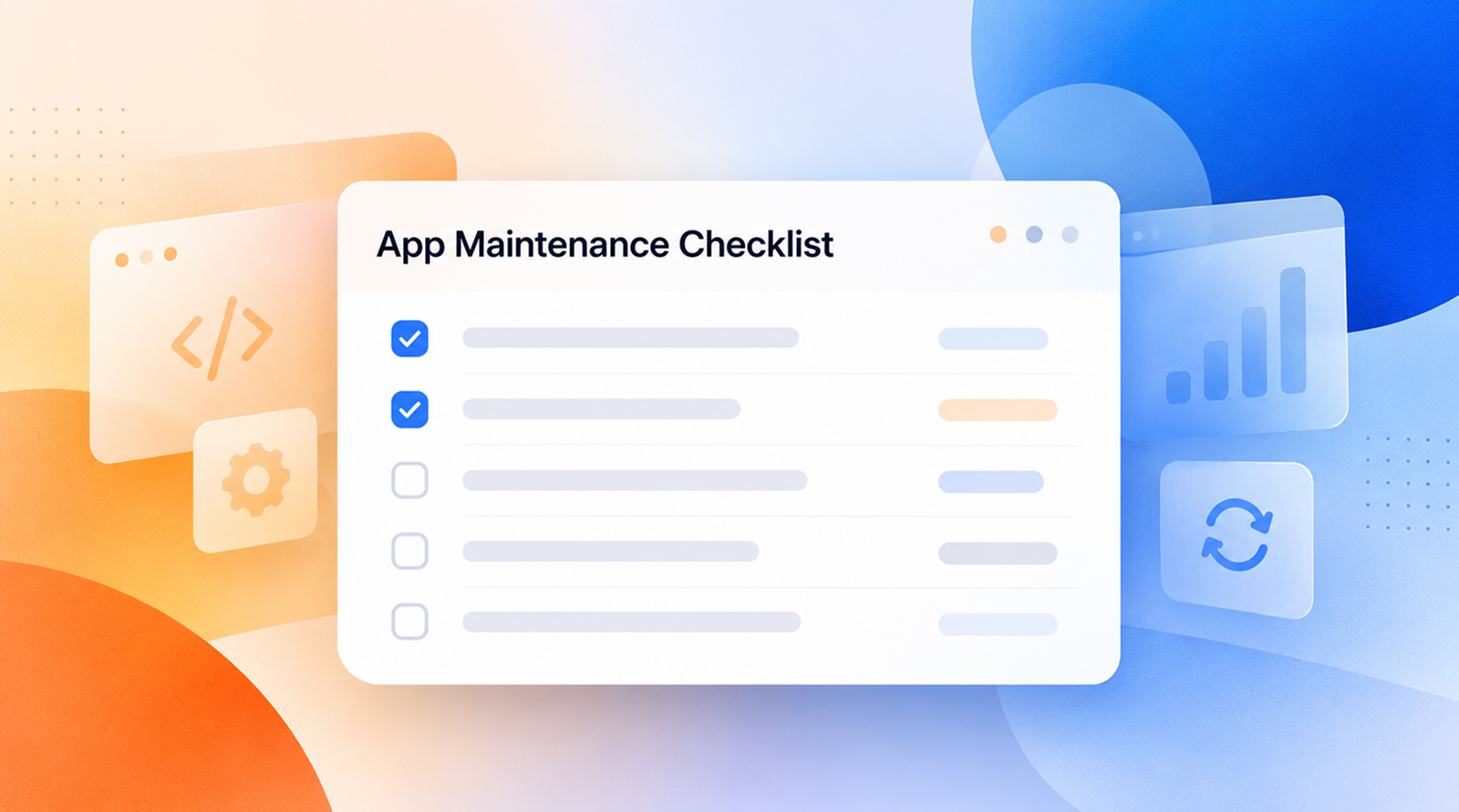
A useful maintenance checklist gives product teams a way to avoid that. It does not turn product managers into system administrators or security engineers. Instead, it makes the important questions explicit: what needs to be checked, how often, who owns it and what evidence tells you the application is still healthy?
The checklist below is designed around those questions.
[Internal Link: “What Is App Health? 17 Signs of a Healthy Application”]
Product teams do not need to perform every maintenance task themselves.
They do need to make sure the work has an owner.
For example, an engineer may review dependency vulnerabilities, an operations team may maintain production monitoring and a QA engineer may run regression tests. The product team's responsibility is to understand whether those activities are happening, whether important risks are appearing and whether maintenance work is competing appropriately with feature development.
That distinction matters because maintenance often fails through unclear ownership rather than a complete lack of technical capability.
A practical checklist should therefore track four things:
Question
What you need to know
What are we checking?
The specific part of application health being reviewed
How often?
Continuously, per release, weekly, monthly or periodically
Who owns it?
The person or team responsible for acting
What counts as evidence?
A dashboard, test result, restore exercise, dependency report, incident review or another observable result
The cadence below is a starting point, not a universal schedule. A payment platform and a small internal application will reasonably maintain different levels of operational discipline.
The first part of the maintenance checklist should run whether or not somebody has opened the maintenance backlog.
Check that:
Google's Site Reliability Engineering guidance recommends paying particular attention to latency, traffic, errors and saturation when monitoring user-facing systems. It also distinguishes between monitoring symptoms users experience and the underlying technical causes, which is useful because an application can appear technically online while an important workflow is failing. Google SRE: Monitoring Distributed Systems
For product teams, the practical question is not whether a monitoring tool has been installed. It is whether you would know if something important stopped working.
This corresponds closely to Levelworks' Observable App Health Aspect. A maintenance process becomes much more effective when deterioration is visible before support tickets become the primary detection mechanism.
[Internal Link: “How to Detect App Problems Before Your Users Report Them”]
A maintenance checklist should treat releases as maintenance events, even when the release mainly contains new product work.
Every production change introduces the possibility of regression.
Before and immediately after a release, check that:
AWS recommends testing not only application code but also infrastructure, configuration, security controls and operational procedures before changes reach production. Its deployment guidance likewise recommends testing release procedures in a production-like environment and verifying functional, integration and load behaviour where relevant. AWS Well-Architected: Test and Validate Changes
Product teams do not need to prescribe exactly how engineering achieves this. They should, however, be wary of releases where the only validation is that deployment completed successfully.
A successful deployment only proves that software reached production. It does not prove the application still behaves correctly.
Maintenance backlogs can become misleading if every issue is treated as an isolated ticket.
A better weekly review asks what patterns are emerging.
Check:
This is where product context matters.
Engineering may know that an error occurs 100 times a week. Product needs to help determine whether those 100 errors represent abandoned purchases, failed internal reports or an edge case with almost no business consequence.
Frequency alone does not determine priority.
Recurring problems are particularly important because they often indicate that the team has restored service without removing the underlying cause. A background job restarted for the fourth time is no longer just four incidents; it is evidence of a maintenance problem.
That distinction helps keep the application Error Free, Supported and Explainable & Debuggable rather than simply good at closing tickets.
Security maintenance should not rely on somebody eventually noticing that a component is outdated.
A regular review should answer:
The exact frequency may need to be much shorter for high-risk vulnerabilities. A monthly review is a governance rhythm, not a recommendation to wait a month before acting on an urgent issue.
The OWASP Top 10:2025 category on Software Supply Chain Failures highlights risks including unsupported software, unmaintained third-party components, vulnerable dependencies and poor tracking of software components. OWASP recommends knowing which versions are in use and updating platforms, frameworks and dependencies in a timely, risk-based manner.
The NIST Secure Software Development Framework similarly treats vulnerabilities found in released software as something organisations should identify, remediate and learn from rather than considering security complete at launch.
For Levelworks, these checks primarily protect the Secure and Current & Updated aspects of App Health.
[Internal Link: “Why Security Patching Should Be Part of Every App Maintenance Plan”]
Most application performance problems do not begin with a dramatic outage.
A database query becomes slightly slower as records accumulate, a page gains more JavaScript, an API processes larger payloads, or a background job consumes more memory after a feature change.
A regular performance review helps catch the trend before poor behaviour becomes normal.
Check:
For web applications, Google's Core Web Vitals provide useful user-facing measures of loading, responsiveness and visual stability. Google recommends evaluating them using field data because real-user conditions—such as device capability, network quality and actual interactions—cannot be reproduced completely in laboratory tests. Google: Web Vitals
The maintenance question is not whether every metric is always improving.
It is whether the team can recognise when the Performant aspect of App Health is moving in the wrong direction.
Third-party integrations tend to receive attention when they break. Maintenance should also look at changes announced before failure.
For every business-critical integration, check:
A useful inventory should include more than obvious APIs. Payment services, email delivery, identity providers, analytics, mapping tools, cloud storage and AI services can all become operational dependencies.
If the application cannot perform an important job when one of them changes, the integration belongs on the maintenance checklist.
This protects the Integrable aspect of App Health and, where external failure is contained properly, Resilient as well.
Product teams should know which environments the application is expected to support.
Without a defined support boundary, compatibility becomes difficult to maintain because every browser, device and operating-system combination appears equally important.
Check:
This is not an argument for supporting obsolete environments indefinitely.
The Compatible App Health Aspect means the application works across the environments the organisation has intentionally chosen to support, and that those choices are revisited as the market and user base change.
A backup dashboard showing green check marks is not evidence that the application can recover.
Recovery has to be tested.
Check:
AWS specifically recommends periodically recovering data from backups to verify that it can be restored within the workload's recovery objectives. Its guidance warns against assuming that a successful backup automatically means usable recovery. AWS Well-Architected: Verify Backup Integrity Through Recovery
Product teams do not need to administer the backup system, but they should understand the business consequence of data loss well enough to ask whether the recovery process has actually been demonstrated.
Applications often expose scalability problems only after usage has changed.
A product team should therefore connect product growth with technical capacity.
Review:
This is not a substitute for proper load testing or capacity planning. Those are deeper engineering activities.
The product team's job is to make sure business growth does not arrive as a surprise to the people responsible for keeping the application Scalable.
Some maintenance risks are not visible to users yet.
They appear in the way engineers talk about the system.
“That module is dangerous to touch.”
“Only Priya knows how that deployment works.”
“We've wanted to upgrade that framework for a year, but it affects too much code.”
“The tests around this part fail randomly, so we ignore them.”
Those comments belong on the maintenance checklist.
Review:
Not every technical debt item deserves to be fixed. Some debt is perfectly rational.
The maintenance risk appears when nobody knows what the debt is or when known weaknesses repeatedly interfere with releases, incidents or product changes.
Documentation should be maintained according to its usefulness, not its volume.
Check whether the team could still operate the application if one or two people who know it well were suddenly unavailable.
Useful areas to review include:
A Well Documented application is not one with a giant wiki nobody reads. It is one where the information needed to operate and change the system can be found when it is needed.
Maintenance does not end at the backend.
Product teams should look for recurring friction in the existing product rather than treating every UX problem as future feature work.
Check:
This is where Levelworks' User Friendly & Delightful and Supported App Health Aspects become relevant.
A technically stable application can still deteriorate from the user's perspective if every release adds small pieces of friction.
Individual maintenance checks can all be green while the overall application is moving in the wrong direction.
This is why product teams benefit from periodically stepping back from individual tickets and looking at the condition of the application as a system.
A broader review can ask:
Observability: Can we see important failures quickly?
Security: Are known security risks under control?
Resilience: Can important parts of the application recover from failure?
Performance: Is the experience holding up as usage grows?
Currency: Are core technologies still supported?
Supportability: Can issues be investigated and resolved without depending on one person?
Scalability: Are product-growth expectations compatible with current technical capacity?
Testing and release safety: Can the application be changed confidently?
Documentation: Is important operational knowledge current?
Compatibility and compliance: Does the application still meet the environments and requirements it is expected to support?
This does not need to become a giant audit every six months.
The objective is to identify where application health has been slowly deteriorating even though no single maintenance ticket has forced the issue.
If the detailed checklist feels too large for routine planning, this condensed version covers the questions worth keeping visible:
Cadence
Product-team maintenance question
Continuous
Would we know if an important part of the app stopped working?
Every release
Have we proved the change is safe and can we recover if it is not?
Weekly
Are recurring bugs or incidents revealing a larger problem?
Monthly
Are security, dependencies and performance drifting?
Monthly/quarterly
Are third-party integrations still supported and reliable?
Quarterly
Do backups restore, and do recovery procedures still work?
Quarterly
Is growth approaching a technical constraint?
Quarterly
Are compatibility, documentation and technical debt becoming risks?
Periodically
Is the application healthier, less healthy or simply harder to understand than it was six months ago?
The last question is particularly useful.
A maintenance checklist should not exist merely to prove that maintenance activities happened. It should help the product team understand whether the condition of the application is improving, stable or deteriorating.
There is little value in reviewing an outdated dependency every month if nobody ever decides whether to upgrade it.
The same applies to a recurring performance warning, an untested recovery procedure or a support issue users report repeatedly.
Every maintenance check should therefore have one of three outcomes:
Healthy: nothing needs to happen.
Watch: the condition is acceptable now, but the trend or future change needs to be monitored.
Act: create and prioritise specific maintenance work.
This keeps the checklist connected to the product backlog rather than turning it into administrative reporting.
It also makes the trade-offs more explicit. Product teams will always have to balance feature development, customer commitments and maintenance work. The goal is not to give maintenance permanent priority over everything else; it is to make sure maintenance risk is visible when those decisions are made.
That is the real value of a complete app maintenance checklist.
It gives product teams a regular way to ask not just “What should we build next?”, but also “Is the application underneath our roadmap still healthy enough to keep building on?”