Your monitoring dashboard is green. The application has been available for 99.9% of the month.
Meanwhile, checkout is failing intermittently because a payment integration is timing out. Search has become noticeably slower on larger accounts, and the latest release introduced an error affecting one browser. None of those problems necessarily makes the application “down.”
According to an uptime monitor, everything may still look healthy.
That is the limitation of uptime: it tells you whether an application is reachable, not whether it is working well.
A genuinely healthy application also needs to perform reliably, protect its users, recover from failure, remain supportable as technology changes and allow teams to update it without creating unnecessary risk.
That broader view is what Levelworks means by App Health.
[Internal Link: “What Is App Health? 17 Signs of a Healthy Application”]
Uptime is useful.
If customers cannot reach an application at all, almost every other measure becomes secondary. Availability targets and service-level objectives therefore remain an important part of operating production software.
The problem begins when uptime is treated as a complete measure of health.
Google's Site Reliability Engineering guidance recommends watching four key signals for user-facing services: latency, traffic, errors and saturation. Availability alone cannot reveal whether requests are becoming slower, failures are increasing or the system is approaching a resource constraint. Google SRE: Monitoring Distributed Systems
A server can answer every health check while an important user journey fails.
Consider an ecommerce application whose homepage and product pages work perfectly but whose payment provider is returning errors. Technically, the site is available. Commercially, one of its most important functions is broken.
Health therefore has to include what users can successfully accomplish, not just whether infrastructure responds.
An application can remain online while getting progressively slower.
Database tables grow, frontend code becomes heavier, API payloads increase and new features add more work to important workflows. None of this necessarily causes an outage.
Users simply wait longer.
For web applications, Google's Core Web Vitals measure real-world aspects of loading performance, responsiveness and visual stability rather than asking only whether the page loaded at all. Native applications need their own measures; Apple's production tooling, for example, exposes data covering launch times, memory consumption and interface responsiveness across released app versions. Apple: Analyzing the Performance of Your Shipping App
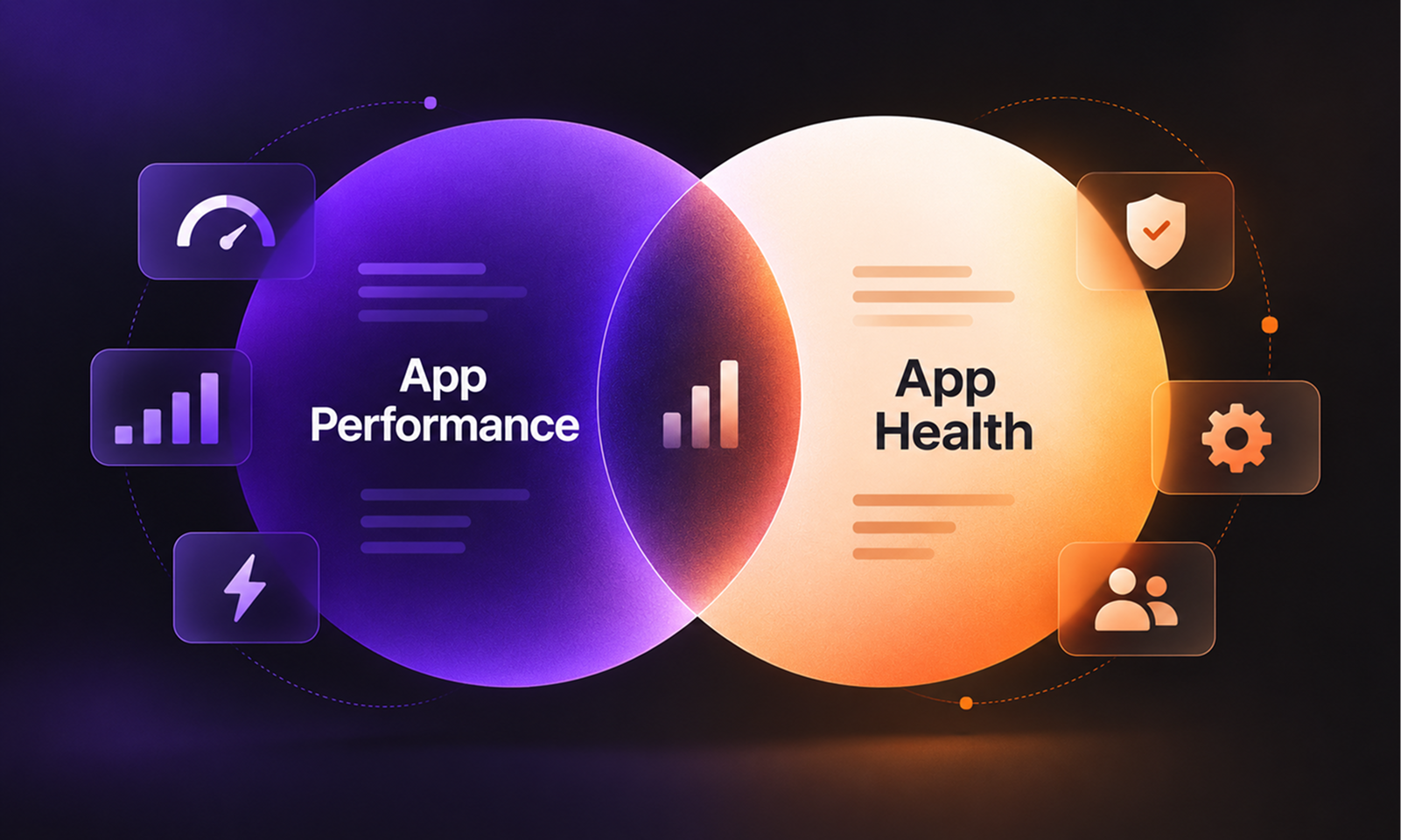
This is why Levelworks treats Performant as a separate App Health Aspect.
Availability tells you the application was there. Performance tells you what using it actually felt like.
[Internal Link: “App Health vs App Performance: What’s the Difference?”]
Another blind spot is partial failure.
An API may return successful responses 99% of the time while a particular workflow regularly produces application errors. A scheduled process might fail overnight while the user-facing application remains available, or one integration could stop synchronising data without affecting anything the uptime monitor checks.
This is why error rate and critical-workflow success are better complements to uptime than another infrastructure metric.
A healthy application should make these failures visible and give the team enough information to understand what caused them.
In Levelworks' framework, this connects Observable, Error Free and Explainable & Debuggable. An application is healthier when teams can see that something is going wrong, determine why, and correct it rather than allowing recurring failures to become normal behaviour.
No meaningful application can guarantee that every server, network connection or external service will work permanently.
The question is whether an individual failure becomes a small inconvenience or a complete outage.
AWS's reliability guidance recommends designing workloads to withstand component failures, isolate their effects and recover appropriately rather than assuming every component will always remain available. AWS Well-Architected: Design Workloads to Withstand Component Failures
Suppose an ecommerce site's recommendation service fails. A resilient application might temporarily hide recommendations while keeping browsing and checkout available. A less resilient design could allow the same dependency failure to prevent the entire product page from loading.
Both systems may have similar uptime over a month.
Their health is very different.
That difference is what the Resilient App Health Aspect is intended to capture.
Perhaps the clearest example of uptime's limitations is security.
A vulnerable application can run perfectly.
The security problem may have no effect on response times, availability or error rates. An outdated dependency with a known vulnerability can continue serving requests exactly as it did before the vulnerability became public.
The OWASP Top 10:2025 highlights risks from unsupported or outdated software and vulnerable third-party components, recommending that organisations track the components they depend on and monitor them for security issues.
This is why Secure and Current & Updated belong in a broader definition of application health.
Security is not visible through an availability percentage.
There is another form of poor health that may remain invisible until the next release.
An application can run reliably for months while being extremely difficult to update. Test coverage is weak, deployment involves several undocumented manual steps, and engineers hesitate to modify an important component because nobody fully understands what it affects.
Production looks stable largely because the team avoids touching it.
That is not sustainable health.
Google's DORA metrics include change failure rate and time to restore service, both of which examine what happens when teams change production systems and when those changes fail. Google Cloud: Four Keys for DevOps Performance
For Levelworks, this is where Tested, Version Controlled and Seamlessly Updatable matter. A healthy application should not only work in its current state; teams should be able to fix, secure and improve it without treating every deployment as a high-risk event.
Applications rarely operate in isolation.
Browsers change, operating systems release new versions, APIs are deprecated and frameworks eventually become unsupported. User expectations and business requirements move too.
An application can therefore maintain excellent uptime while becoming progressively harder to support.
The warning signs may appear elsewhere: a framework approaching end-of-life, an API version scheduled for retirement, a mobile application that has not been tested against a new operating system, or capacity that is gradually being consumed as the customer base grows.
These conditions affect Levelworks App Health Aspects such as Compatible, Integrable, Scalable and Current & Updated.
They may not reduce uptime today.
They change how confidently you can expect the application to continue working tomorrow.
You do not need dozens of KPIs to move beyond availability.
For most applications, start by asking a few broader questions:
Uptime tells you…
App Health should also tell you…
Is the service reachable?
Can users complete critical workflows?
Was the application available?
Were errors affecting real users?
Did infrastructure stay online?
Was the experience acceptably fast?
Did the system survive the period?
How close was it to capacity limits?
Is production running now?
Can it recover when something fails?
Is the current release online?
Can the next release be deployed safely?
Does the application work today?
Is its technology still secure and supportable?
There is no single number that replaces uptime.
The better approach is to combine availability with evidence from performance, errors, resilience, security, capacity and changeability.
[Internal Link: “How the Different Dimensions of App Health Work Together”]
Uptime remains valuable because an unavailable application is obviously unhealthy.
But the reverse does not follow.
An application being available does not prove that it is fast, secure, resilient, easy to support or safe to change. It does not tell you whether important integrations are failing, technical limits are approaching, or the technology underneath the product is quietly falling behind.
That is why Levelworks treats uptime as one signal inside a broader App Health picture.
The useful question is not only:
“Was the application up?”
It is:
“While it was up, was it actually working well—and can we reasonably expect it to keep doing so?”