

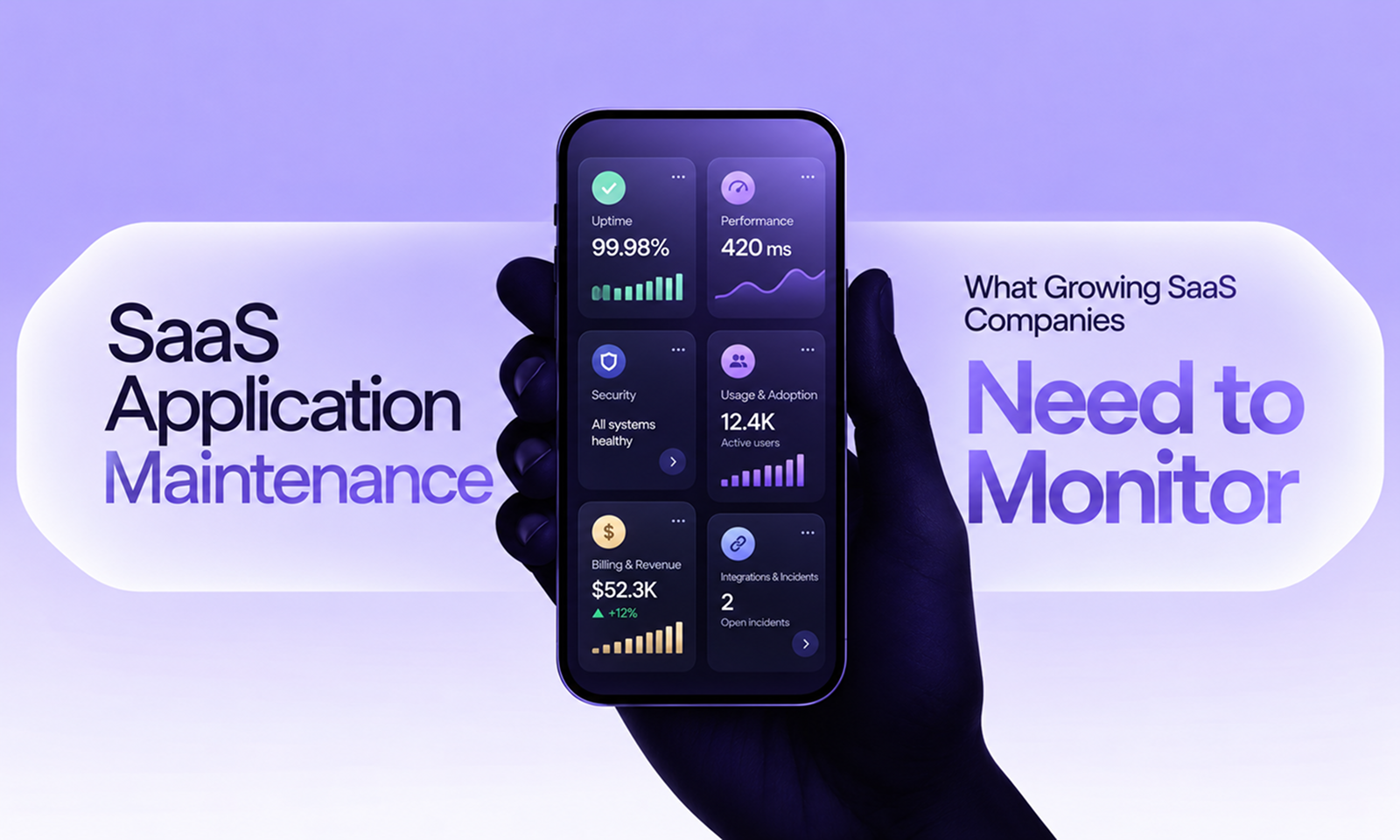
A SaaS dashboard can be entirely green while one of your largest customers is having a terrible day.
Average API latency looks normal. Overall error rate remains below one percent. CPU is nowhere near its limit. Yet one enterprise tenant with a much larger dataset is waiting six seconds for reports that normally load in less than one, while another customer's imports have been sitting in a queue for an hour.
Nothing in the global averages looks alarming because most customers are unaffected.
That is one of the ways SaaS maintenance changes as a company grows.
Early on, monitoring the application as a single system may be enough. As customer count, data volume, feature usage and infrastructure complexity increase, the important question becomes not only “Is the platform healthy?” but also “For whom is it healthy, under what workload, and is that changing?”
AWS's SaaS Lens explicitly recommends tenant-aware operations, where system activity and health can be viewed by individual tenant and tenant tier rather than only at the infrastructure level.
For a growing SaaS company, application maintenance therefore needs monitoring at several levels at once: customer-visible reliability, individual tenant experience, resource pressure, asynchronous processing, critical integrations, security boundaries, subscription workflows and the changes being released into production.
The objective is not to collect more metrics. It is to notice the forms of deterioration that growth introduces before they become widespread customer problems.
Infrastructure metrics matter, but customers do not buy CPU utilization.
They buy the ability to perform tasks.
Depending on the product, those tasks might be:
These critical journeys should sit near the top of the monitoring model.
Google SRE recommends measuring reliability through service-level indicators and objectives that reflect the behavior users actually care about. Its product-focused SLO guidance goes further by tying reliability measures directly to steps users perform to achieve an objective. Google SRE: Product-Focused Reliability
That distinction prevents a common SaaS monitoring failure.
The API might be technically available while a critical workflow is broken because a background job, external dependency or database query is failing further downstream.
A useful monitoring hierarchy is therefore:
Customer outcome
↓
Application workflow
↓
Services and dependencies
↓
Infrastructure
Infrastructure explains what is happening underneath the product.
Customer outcomes tell you whether it matters.
[Internal Link: “Application Monitoring: What Should You Monitor in a Production App?”]
Google SRE's well-known four golden signals remain an excellent foundation:
Google SRE: Monitoring Distributed Systems
For SaaS, however, the aggregate values are only the beginning.
Measure how long important operations take.
Do not rely only on averages. Percentiles such as p95 or p99 can expose slower experiences affecting a smaller but important group of users.
Then segment where useful by:
An enterprise tenant with years of accumulated data may experience a completely different performance profile from a newly created account.
Track workload rather than simply user count.
Useful measures can include:
Two customers with the same number of users may impose radically different load.
Monitor errors by operation and tenant context rather than treating all failures as equivalent.
A 0.2% global error rate may look acceptable until you discover that nearly all failures belong to one strategic customer.
Watch resources approaching their practical limits.
That might include:
Growth usually creates warning signs before it creates an outage. Saturation metrics help expose those warning signs.
Tenant awareness is one of the biggest differences between general application monitoring and SaaS monitoring.
AWS recommends collecting tenant activity and consumption data because multi-tenant SaaS providers need to understand how individual customers impose load on shared architecture. AWS SaaS Lens: Tenant Activity and Consumption
For many important telemetry events, attach enough tenant context to answer questions such as:
Is this problem affecting everyone or one customer?
Are premium-tier customers seeing different behavior?
Which tenants are creating the most load?
Did one customer's workload change suddenly?
Are errors concentrated around a particular account configuration?
This does not mean placing sensitive customer information indiscriminately into logs.
Use controlled tenant identifiers and appropriate access protections.
The important point is that engineers should be able to correlate application behavior with tenancy without manually reconstructing that relationship during every incident.
If the platform reports:
Database latency increased 40%.
that is useful.
If it can also show:
The increase is concentrated in report queries from tenants with more than five million records,
that is much more actionable.
Shared infrastructure is one of SaaS's economic strengths.
It can also create an operational problem: one tenant consumes enough shared capacity to degrade other tenants.
AWS describes this as the noisy-neighbor problem and specifically recommends detecting tenant consumption trends so SaaS architectures can scale, isolate or throttle unusual demand. AWS SaaS Lens: Noisy Neighbor
Monitor resources where tenants compete for shared capacity, such as:
Suppose Tenant A begins importing ten times its normal volume.
The useful signal is not simply that queue depth increased.
You also want to know:
This becomes increasingly important as SaaS companies move from relatively similar early customers to a customer base with very different workload profiles.
Growth usually creates gradual pressure before it creates failure.
A database connection pool moves from 30% utilization to 45%, then 60%, then 75%.
A queue that normally clears within thirty seconds begins requiring several minutes during peak periods.
Storage grows faster than expected.
Those trends deserve attention before a hard limit is reached.
Useful capacity signals include:
The useful question is not just:
Are we at the limit?
It is:
At our current growth rate, when do we reach it?
That turns monitoring into an input for capacity planning rather than an emergency alarm.
[Internal Link: “Application Capacity Planning: Preparing Your App for Growth”]
Growing SaaS applications often experience a type of scale that infrastructure dashboards alone do not explain: data scale.
Customer accounts become older.
Tables accumulate history.
Tenants upload larger datasets.
Queries that were fast when the product launched may now operate over dramatically more data.
Monitor:
Tenant segmentation matters here too.
A query can perform perfectly for ninety-eight percent of accounts while becoming unusable for the largest two percent.
That pattern often appears before a SaaS platform reaches a more obvious system-wide capacity problem.
Maintenance teams should therefore watch whether query behavior changes as customer datasets mature, not simply whether the database server remains online.
Many SaaS products perform substantial work outside the request-response cycle.
Examples include:
A web request may return successfully after placing work onto a queue.
If workers later fail, the customer still does not receive the outcome.
Monitor at least:
The age of the oldest job can be particularly informative.
A queue containing 10,000 items may be healthy if workers normally process them immediately.
A queue containing only twenty items may represent a serious problem if the oldest has been waiting for six hours.
Growing SaaS companies should distinguish volume from delay.
SaaS applications frequently depend on other SaaS applications.
CRM integrations, payment processors, identity providers, messaging services and customer APIs can all participate in critical workflows.
Monitor:
But also monitor the outcome.
An integration endpoint returning HTTP 200 does not prove that the customer's records are actually synchronized.
For webhooks, delivery state deserves explicit attention. Stripe, for example, exposes event delivery information and webhook endpoint status because webhook-driven applications need to know whether events reached their destinations successfully. Stripe: Webhook Endpoints
For a SaaS product, useful integration monitoring might compare:
Records expected to sync
vs
Records actually synced
or:
Webhook events received
vs
Webhook events successfully processed
[Internal Link: “How to Monitor the Health of Your App’s APIs and Integrations”]
When authentication fails, almost every other feature becomes irrelevant.
Monitor areas such as:
Segment by authentication mechanism where useful.
For example, ordinary username/password login might remain healthy while SAML authentication for enterprise accounts fails after a certificate or configuration change.
A global login-success metric can hide that completely.
As the SaaS customer base becomes more diverse, authentication mechanisms often become more diverse as well.
Monitoring should evolve with them.
A multi-tenant product has a particularly important security requirement:
Tenant A must not be able to access Tenant B's resources.
AWS describes tenant isolation as foundational to SaaS security and notes that crossing tenant boundaries can represent an extremely serious event for a SaaS provider. AWS SaaS Lens: Tenant Isolation
Some isolation controls belong primarily in design and automated testing.
Production monitoring can strengthen them by identifying suspicious behavior such as:
This is where Observable and Secure App Health intersect.
You cannot rely on monitoring alone to create tenant isolation, but you should be capable of detecting evidence that an isolation assumption is being violated.
A SaaS application has an operational dependency that many ordinary web applications do not: the product and the commercial model are connected.
Subscription events often determine what users can access.
Failures can create situations such as:
If billing is event-driven, monitor both external payment events and the internal processes that apply them.
Useful signals may include:
Do not monitor revenue in place of engineering health.
Monitor the technical workflows that connect billing state to product behavior.
For many SaaS companies, creating a new tenant is itself a distributed workflow.
It may involve:
Monitor whether those processes complete successfully.
A SaaS company can have perfect availability while 8% of new customers fail to onboard correctly.
That failure may not generate infrastructure alarms, but it is still an application-health problem.
Track:
Growth amplifies defects in automated provisioning because processes that were executed occasionally begin running continuously.
Growing SaaS companies usually increase release activity as product teams grow.
That means the monitoring system should help answer:
Did production become worse after this release?
DORA's current software-delivery model includes change fail rate and deployment rework rate as measures of delivery instability, alongside deployment frequency, change lead time and failed deployment recovery time. DORA: Software Delivery Performance Metrics
For maintenance, useful change-related signals include:
Include deployment identifiers or application versions in telemetry where possible.
When an error spike begins three minutes after release 2026.10.47, engineers should not need twenty minutes to establish whether the events are related.
SaaS products often have customer tiers with very different expectations and workload patterns.
A free account may create five records.
An enterprise account may create five million.
If both contribute equally to an average, the metric may poorly represent either experience.
Segment important health indicators where useful by:
AWS specifically recommends viewing SaaS operational insights across tenant tiers, not simply individual accounts or platform-wide aggregates.
This does not mean every dashboard needs a chart for every pricing plan.
It means the monitoring model should be capable of answering whether a problem disproportionately affects a commercially or operationally important segment.
As monitoring coverage grows, alert volume can grow with it.
That creates another maintenance problem: alert fatigue.
Google SRE recommends alerts that are timely, cover key user-facing functionality and remain actionable, with customer symptoms generally taking priority over fragile alerts tied too closely to internal implementation details. Google SRE: Incident Management Guide
Not every unusual metric should wake an engineer.
A useful distinction is:
Page someone when immediate human intervention is needed.
Create a lower-priority alert or ticket when something requires investigation but is not currently harming customers.
Keep it on a dashboard when it is primarily useful for trend analysis.
For example, database storage reaching 70% might deserve planned action.
A critical checkout workflow failing for 30% of requests deserves immediate response.
The monitoring system should understand the difference.
One giant dashboard rarely works.
A more useful structure separates different questions:
View
What it should answer
Customer experience
Can users complete critical workflows?
Tenant health
Which customers or tiers are affected?
Service health
Where are latency, errors or dependency problems occurring?
Asynchronous work
Are queues and background jobs keeping up?
Capacity
Which resources are approaching practical limits?
Integrations
Are external systems and data flows behaving correctly?
Commercial workflows
Are subscription and entitlement processes completing?
Release health
Did a deployment introduce instability?
Security
Are important authentication or isolation assumptions being violated?
The exact implementation will vary enormously between a 20-customer B2B SaaS product and a platform serving hundreds of thousands of accounts.
The questions remain useful at both scales.
A static threshold might tell you:
Database connections exceeded 90%.
Trend monitoring might tell you:
Peak connection usage has increased from 40% to 72% in four months and continues to rise with customer growth.
The second signal gives the team time to act.
Apply the same thinking to:
Thresholds help detect immediate problems.
Trends help maintenance teams prevent predictable ones.
That is particularly important for SaaS because growth itself changes the workload continuously.
The purpose of SaaS monitoring is not to produce an impressive observability stack.
It is to improve decisions.
If latency is deteriorating only for accounts with unusually large datasets, the maintenance priority may be query design rather than adding more application servers.
If one tenant repeatedly saturates shared worker capacity, the solution may involve throttling or workload isolation.
If deployment-related failures are increasing, the problem may sit in testing or release safety rather than infrastructure capacity.
This is where monitoring becomes relevant to Levelworks' broader idea of App Health.
Observable App Health provides the evidence required to protect Performant, Scalable, Resilient, Secure and Integrable behavior as the SaaS product grows.
The value comes from the relationships between those signals.
A queue is not important because its depth is 3,000.
It is important because the queue is growing faster than workers can process it, enterprise tenants are waiting longer for exports, and current customer growth suggests the problem will worsen.
That is actionable monitoring.
When a SaaS company has twenty similar customers, platform-wide metrics may describe the product reasonably well.
At two hundred customers, workloads start diverging.
At two thousand, averages can hide entirely different customer experiences occurring inside the same application.
The monitoring strategy needs to evolve with that reality.
Continue watching latency, errors, traffic and saturation, but add the dimensions that SaaS growth introduces: tenant, tier, workload, queue age, integration outcome, entitlement state and release context.
The question is no longer simply whether the SaaS platform is running.
It is whether the platform continues to behave predictably as more customers, more data and more variation pass through the same system.
That is the monitoring maturity growing SaaS applications need most: the ability to see problems at the scale at which they are actually beginning, rather than waiting until they are large enough to become visible in the global average.









