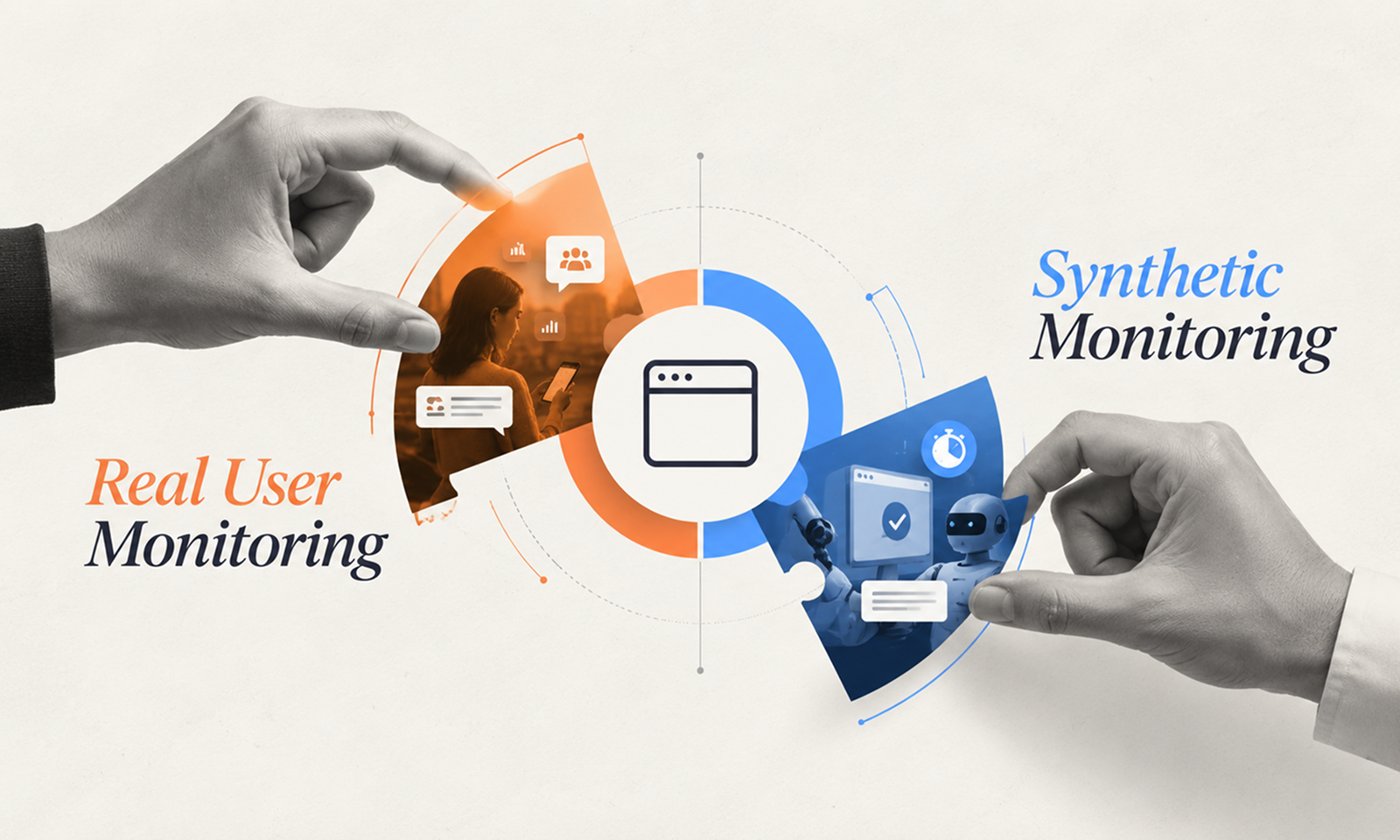
Two monitoring systems can look at the same application and tell you very different things.
Real User Monitoring might show that customers using older mobile devices in one region are experiencing slow page interactions. Synthetic monitoring may show that checkout has stopped working entirely—even at 3 a.m., when no real customer has attempted it yet.
Neither result makes the other monitoring method less useful. They answer different questions.
Real User Monitoring (RUM) tells you what actual users experience. Synthetic monitoring repeatedly tests predefined application journeys under controlled conditions.
If you need to understand performance across real browsers, devices, networks and users, RUM is usually stronger. If you need to verify that a critical workflow remains available even when nobody is currently using it, synthetic monitoring has a clear advantage.
For many production applications, the practical answer is not RUM or synthetic monitoring. It is using each for the blind spots of the other.
Real User Monitoring collects telemetry from people actually using your application.
For a web application, instrumentation running in the browser can capture information such as page performance, user interactions, frontend errors and network activity. Because measurements come from real sessions, the resulting data reflects the diversity of actual production conditions.
Google describes RUM, also called field data, as performance data captured from a site's real users. Unlike controlled tests, it reflects genuine devices, networks and geographic conditions. Google: Getting Started with Measuring Web Vitals
That distinction matters.
Your development team may test an application on recent laptops and fast connections, while customers use older phones, corporate networks, unusual browser configurations or devices with limited processing power.
RUM reveals that variation.
Depending on the implementation, it can help answer questions such as:
New Relic's browser-monitoring documentation, for example, describes RUM as measuring performance as end users navigate a site across different browsers, devices, operating systems and networks. New Relic: Browser Monitoring
For Levelworks, this makes RUM particularly useful for understanding the Performant and User Friendly & Delightful dimensions of App Health from the customer's perspective.
Synthetic monitoring does not wait for real users.
Instead, automated scripts repeatedly interact with the application from defined locations and conditions.
A basic synthetic check might request an API endpoint and confirm that it responds correctly. A more complete test might open the application in a browser, log in, perform a search, add an item to a basket and confirm that checkout reaches the expected state.
AWS describes CloudWatch Synthetics canaries as scheduled scripts that follow routes and perform actions similar to customers, allowing teams to verify the customer experience even when there is no customer traffic. AWS CloudWatch Synthetics
Microsoft's Application Insights follows the same principle through recurring availability tests that call an application from different locations and can detect when it becomes unavailable or responds too slowly. Microsoft: Application Insights Availability Tests
Synthetic monitoring is therefore especially useful for answering:
[Internal Link: “How to Detect App Problems Before Your Users Report Them”]
Real User Monitoring
Synthetic Monitoring
Measures actual user sessions
Runs automated scripted tests
Reflects real devices, networks and browsers
Uses controlled test conditions
Requires real traffic
Works even when nobody is using the app
Reveals variation across the user population
Gives repeatable results for selected journeys
Excellent for real-world performance analysis
Excellent for availability and workflow verification
Discovers conditions users actually encounter
Tests only conditions you deliberately script
Can struggle with low-traffic journeys
Can continuously test rarely used journeys
The key difference is observation versus controlled verification.
RUM observes reality as users create it.
Synthetic monitoring creates a known scenario repeatedly and watches whether the result changes.
Choose RUM when your primary uncertainty is:
“What are our users actually experiencing?”
This is particularly important when performance varies significantly according to device, browser, geography or network conditions.
Google's guidance on Core Web Vitals makes the distinction explicit. Controlled lab testing is useful for diagnosis, but field data shows how real users actually experienced a site and can reveal conditions that controlled testing does not represent.
RUM is therefore valuable for high-traffic customer-facing applications where aggregate test results could hide important segments.
Suppose your synthetic test shows that a page loads reliably in 1.4 seconds.
RUM might reveal that the median customer receives similar performance while a meaningful group of mobile users requires four seconds because their devices process the application's JavaScript much more slowly.
The synthetic measurement was not wrong.
It simply represented one controlled condition.
Choose synthetic monitoring when the important question is:
“Will this critical workflow work when somebody needs it?”
This is especially useful for low-frequency but high-value functionality.
Imagine a business application where administrators perform a month-end operation only once every few weeks. RUM cannot tell you much about that workflow when nobody is using it.
A synthetic check can exercise it regularly.
Synthetic monitoring is also useful for detecting complete failure before customer traffic arrives. AWS specifically notes that canaries can continuously verify an experience even without real traffic and can therefore discover problems before customers encounter them.
The limitation is coverage.
A synthetic monitor only knows what you programmed it to test.
If the script covers Chrome on one viewport using one account, it tells you little about an error affecting Safari users with a particular account configuration.
RUM and synthetic monitoring overlap, but their blind spots are almost complementary.
Consider checkout.
A synthetic monitor runs every five minutes and confirms that a test transaction can proceed successfully.
That gives you confidence that the known journey remains operational.
RUM then shows what real checkout users experience. Perhaps Safari users are generating a JavaScript error that the synthetic browser does not reproduce, or customers in one region experience unusually slow payment responses.
Now imagine checkout fails completely overnight when traffic is very low.
The synthetic monitor detects it immediately rather than waiting for sufficient real-user sessions to expose the problem.
The combination provides two forms of assurance:
Synthetic: Can the workflow work?
RUM: How is it actually working for users?
Google recommends combining real-world and controlled measurements when assessing web performance because the two perspectives serve different purposes.
[Internal Link: “Application Monitoring: What Should You Monitor in a Production App?”]
One common mistake is calling a homepage ping “synthetic user monitoring.”
A successful request to / proves very little if customers cannot authenticate or complete the application's main workflow.
Important synthetic tests should get reasonably close to the business outcome you are trying to protect.
For an ecommerce application, a useful monitoring hierarchy might be:
Basic: homepage responds.
Better: product pages and checkout API respond.
Stronger: scripted browser journey searches for a product, adds it to the basket and verifies the checkout flow.
The more realistic test is more likely to detect failures that actually matter.
That does not mean every possible workflow needs synthetic coverage. Prioritize functions whose failure would have significant consequences.
RUM has the opposite limitation.
It reflects the traffic you actually receive.
A workflow used thousands of times a day produces plenty of data. A high-value administrative function used twice per month may produce too little evidence to identify degradation confidently.
Google's Chrome UX Report illustrates this limitation at a public-data level: pages and origins require sufficient eligible traffic before field data is available. Chrome UX Report
Your own RUM implementation can be more granular than CrUX, but the underlying principle remains: no real interaction means no real-user observation of that interaction.
That is precisely where synthetic coverage can fill the gap.
A practical decision is:
If you need to know…
Start with…
How actual users experience performance
RUM
Whether different browsers/devices behave differently
RUM
Whether a critical workflow works continuously
Synthetic
Whether the application works during low/no traffic
Synthetic
Whether a release broke a known journey
Synthetic, then validate with RUM
Whether real-world performance changed after release
RUM
Both availability and actual customer experience
Both
For a small internal application with predictable users and simple workflows, one method may initially be enough.
For business-critical customer applications, relying exclusively on either usually leaves avoidable blind spots.
Within Levelworks' App Health framework, both approaches strengthen Observable, but from different directions. Synthetic monitoring continuously tests what the application should be able to do, while RUM shows what users actually experience.
[Internal Link: “What Should an Application Monitoring Dashboard Track?”]
The choice therefore does not need to become an argument about which monitoring method is better.
Use RUM where reality and user diversity matter.
Use synthetic monitoring where repeatability, continuous verification and early detection matter.
Use both where the application is important enough that you need to know whether critical journeys work and whether real customers experience them the way you expect.