

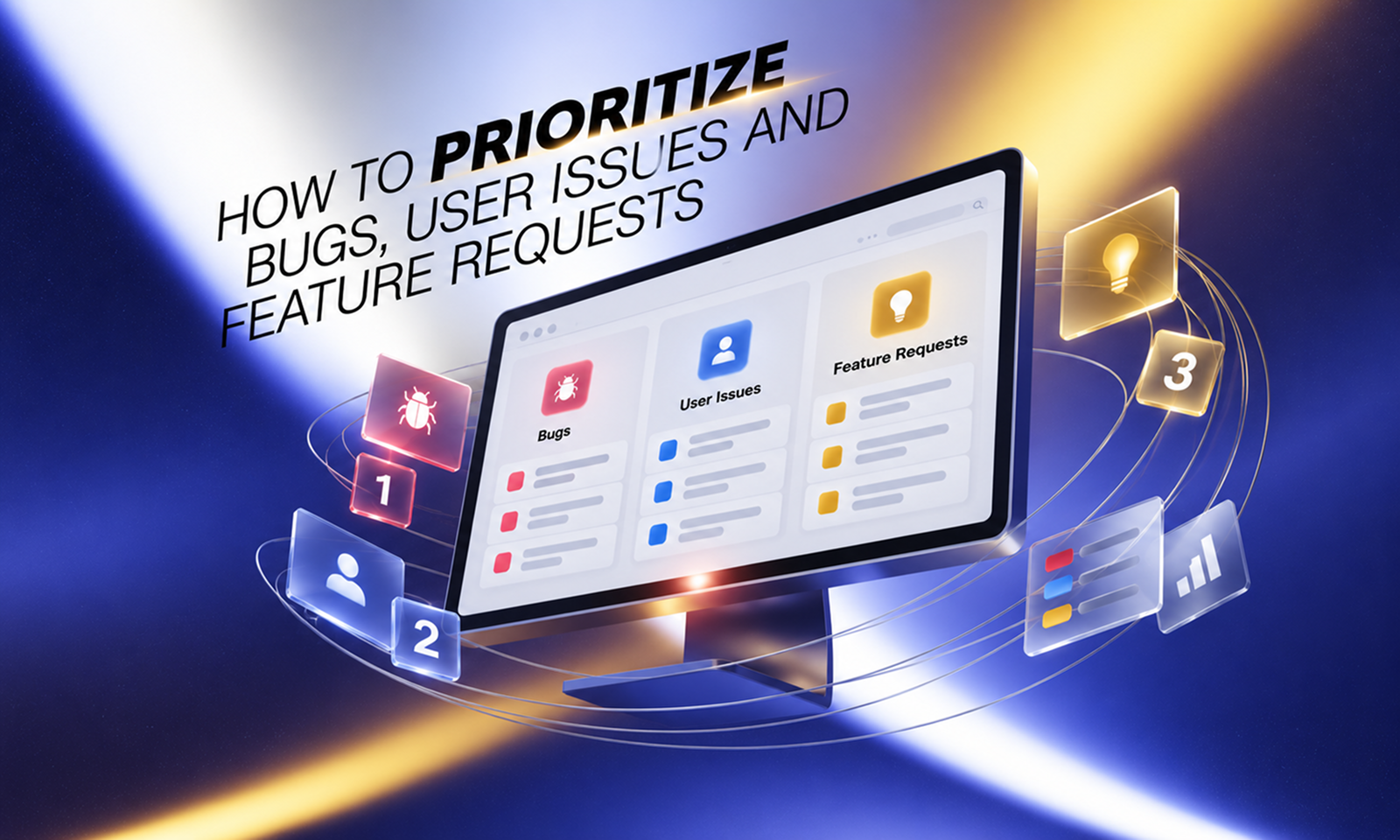
On Monday morning, a product team opens its backlog to find four very different demands competing for the same engineering capacity.
A large customer wants bulk editing. Support has six reports of failed PDF uploads. Monitoring has identified a payment defect affecting a small number of high-value transactions. Leadership also wants a dashboard improvement ready for an upcoming sales campaign.
All four requests are legitimate.
They are not equally important, and sorting them by arrival time—or by which stakeholder is most persistent—is unlikely to produce the right order.
That is the real work of prioritization.
Prioritizing bugs, user issues and feature requests means deciding which problems deserve attention first based on their effect on users and the business, the urgency of that effect, the quality of the evidence, and the cost and risk of acting or not acting.
The difficulty is that these items enter the backlog in different forms. A bug describes incorrect application behavior. A user issue describes a problem somebody is experiencing, which may or may not involve a defect. A feature request proposes a solution, but the requested feature may not be the best answer to the underlying need.
Good prioritization therefore starts before anything is scored: first establish what the item actually represents.
The GOV.UK Service Manual makes a similar point in its guidance for live services: support work, technical improvements and new functionality all compete for limited capacity, so priorities should be revisited using performance data, user research and stakeholder evidence. GOV.UK: Deciding on priorities
For Levelworks, this connects most directly to Supported, Error Free, and User Friendly & Delightful App Health. A healthy application team does not simply close the greatest number of tickets; it directs capacity toward the work that most affects the quality of the live product.
Treating every backlog item as interchangeable makes prioritization unnecessarily difficult.
A bug is software behavior that differs from what the application is intended or expected to do.
Examples include:
For bugs, the important factors are usually severity, reach, frequency, recurrence and business risk.
A user issue starts with something the user cannot accomplish or understand.
For example:
“I can't invite another team member.”
Investigation might reveal a bug. It could also be a permissions problem, unclear interface design, missing guidance, account configuration, or expected behavior that was poorly communicated.
This is why support requests should not automatically become engineering tickets.
The GOV.UK guidance on user support recommends using enquiries as evidence about where a live service needs improvement rather than treating support as a separate reactive function. GOV.UK: Set up and manage user support
[Internal Link: “What Does Good Post-Launch Application Support Look Like?”]
A feature request is different again.
A customer asking for “bulk editing” may actually be saying:
“Correcting 300 records individually takes too long.”
The problem is real. Bulk editing is one possible solution.
GOV.UK's user-research guidance recommends understanding the outcome users need rather than treating proposed solutions as requirements without further investigation. GOV.UK: Learning about users and their needs
That distinction prevents a product roadmap from becoming a list of customer-specified implementations.
Some work should not wait for a prioritization meeting.
Examples include:
These items belong in an expedited path.
It helps to distinguish severity from priority here.
Severity describes how serious the impact of an issue is. Priority determines when the organization should act relative to everything else.
Atlassian's incident guidance makes the same distinction: severity is an important input into priority, but a severe problem affecting a tiny subset of users and a widespread lower-severity problem may still require different decisions. Atlassian: Understanding incident severity levels
A simple first-pass model can work well:
Lane
Typical examples
Treatment
Expedite
Outage, data loss, serious security issue, critical transaction failure
Interrupt normal planning
Commit
High-impact recurring defect, major workflow blocked, fixed deadline
Assign near-term ownership
Evaluate
Feature idea, moderate UX issue, lower-impact defect
Compare through normal prioritization
Park
Weak-evidence idea, cosmetic issue, obsolete request
Keep visible without committing capacity
This prevents an active payment failure from being compared mathematically with an optional reporting enhancement.
Teams often begin with:
“How long will this take?”
Effort matters, but it should not define value.
Start with the consequence of leaving the item unresolved.
For a bug or user issue, ask:
A five-minute cosmetic fix may still deserve less priority than a two-day correction to inaccurate financial calculations.
Effort should help determine how and when valuable work is delivered. It should not make low-value work appear important merely because it is easy.
One severe defect affecting a few customers and a moderate problem affecting thousands create different kinds of risk.
Do not combine them prematurely.
The Nielsen Norman Group's severity model for usability problems uses three useful dimensions: how frequently a problem occurs, how much it affects users, and whether the problem persists. Nielsen Norman Group: Severity Ratings for Usability Problems
The same logic works well beyond usability.
Consider:
Problem A: A reporting table occasionally sorts two secondary columns incorrectly for 8,000 users.
Problem B: A billing defect charges the wrong amount for 12 customers.
Problem A has much greater reach.
Problem B has much greater consequence per occurrence.
A useful backlog therefore records separately:
Reach: How many users, accounts or transactions are affected?
Frequency: How often does the issue occur?
Impact: What happens when somebody encounters it?
Ticket count alone is rarely enough.
Persistence changes the cost of a problem.
A confusing setting encountered once may be inconvenient. A workflow that fails unpredictably every week creates repeated cost.
Recurring bugs deserve particular attention.
If the same failure has supposedly been fixed several times, another local patch may be less valuable than investigating why it keeps returning—perhaps regression coverage is missing, several code paths share the same defect, or an underlying architectural problem remains unresolved.
[Internal Link: “Why the Same Bugs Keep Coming Back and How to Stop Them”]
Duplicate support tickets should also be grouped before prioritization. Twenty reports of the same failure are not twenty unrelated backlog items; they are evidence about the reach and frequency of one underlying problem.
Urgency and importance are not the same.
A feature can be highly valuable without needing to ship this month.
An item becomes genuinely urgent when postponing it changes the risk or value.
Examples include:
A useful test is to ask what materially changes if the item waits another month.
If the answer is “nothing except somebody would prefer it sooner,” urgency is probably being overstated.
Prioritization naturally attracts visibility bias.
A major customer raises a request repeatedly while hundreds of smaller customers silently tolerate another problem. A sales prospect requests a feature during an important deal while analytics shows existing customers abandoning a current workflow.
The enterprise request may still deserve priority. Commercial risk is legitimate evidence.
But these are different statements:
“The customer keeps asking.”
and:
“Failure to address this creates a substantial renewal or contractual risk.”
Useful evidence can include:
The GOV.UK prioritization guidance recommends combining performance analysis, user research and stakeholder input rather than letting one evidence source determine the roadmap.
The goal is not to remove judgment.
It is to make the evidence behind that judgment visible.
Once emergency defects and committed obligations have been separated, feature opportunities can be compared more systematically.
One useful framework is RICE, originally developed at Intercom.
It compares ideas using:
The resulting formula is:
(Reach × Impact × Confidence) ÷ Effort
Intercom: RICE Prioritization Framework
The arithmetic is less important than the discipline behind it.
RICE forces a team to distinguish:
“A customer wants this.”
from:
“This addresses a problem observed across 1,500 users, we have strong evidence that it matters, and implementation requires approximately two engineer-weeks.”
Do not use RICE to decide whether an active data-loss bug beats a reporting feature. The bug should already have crossed a risk threshold that places it outside ordinary feature scoring.
Some work deserves priority even when current user reach is modest.
A feature may open an important market. A workflow may need to support a new product direction. A platform change might be necessary because an older architecture is becoming increasingly difficult to maintain.
Those are legitimate reasons.
Problems arise when teams hide strategic preference inside other scoring dimensions.
If a project matters because of strategy, include strategic fit explicitly.
Do not inflate reach or user-impact estimates until the preferred initiative conveniently scores highest.
Transparent trade-offs are more useful than false mathematical certainty.
Feature requests usually describe potential upside:
“If we build this, customers gain X.”
Maintenance work often describes avoided downside:
“If we fix this, a problem stops happening.”
That can make maintenance look less attractive during prioritization.
Include the continuing cost of leaving the issue alone.
An awkward piece of legacy code might:
A refactor may deliver no visible new button while still removing a meaningful constraint on future work.
The important thing is to connect technical work to a concrete consequence rather than prioritizing “technical debt” as an abstract category.
[Internal Link: “How Technical Debt Affects the Health of Your Application”]
No single formula captures every reason something matters.
A compact decision record is often more useful:
Factor
Question
Impact
How serious is the consequence?
Reach
How many users or transactions are affected?
Frequency
How often does it occur?
Urgency
Does delay make the problem materially worse?
Evidence
How confident are we that the need and expected benefit are real?
Strategic fit
Does this support an agreed priority?
Effort
How much capacity and complexity are involved?
Recurrence
Is this part of a repeating pattern?
These do not require elaborate numeric scales.
High / medium / low can be sufficient if everyone understands what those labels mean.
The purpose is to expose the reasons behind the decision.
Suppose four items remain after initial triage:
Item
Impact
Reach
Urgency
Evidence
Effort
Likely outcome
Duplicate charges during payment retry
Critical
Low
High
Confirmed
Medium
Expedite
Report export frequently times out
High
Medium
Medium
Strong
Medium
Commit
Bulk editing requested by four customers
Medium
Low
Low
Moderate
High
Investigate need
Improve dashboard card styling
Low
High
Low
Moderate
Low
Park
The issue affecting the fewest users comes first because its consequence is severe.
The dashboard styling affects far more people, but delaying it creates little risk.
This is why sorting by any single measure—number of tickets, customer count, revenue, effort or severity—usually produces poor priorities.
Backlog order should not become permanent simply because somebody ranked it six months ago.
A lower-priority bug can rise when support volume increases. A feature can fall when research shows that the proposed solution does not address the real need. A small change may become a larger piece of work after technical discovery.
The GOV.UK Service Manual recommends making prioritization decisions regularly, particularly for live services where user needs and operational evidence continue to develop.
A sensible cadence might include immediate triage for production-critical issues, weekly review for ordinary bugs and support-driven work, and a broader monthly or quarterly reassessment of feature and strategic priorities.
The exact schedule matters less than keeping old assumptions from becoming permanent backlog truth.
For Levelworks, effective prioritization supports several App Health aspects without requiring every kind of work to receive equal treatment.
Supported means recurring user problems reach the people capable of acting on them. Error Free means meaningful defects are addressed according to their actual risk. User Friendly & Delightful means product friction can compete for attention instead of losing automatically to new feature development.
The result should be a backlog whose order can be explained.
A payment defect sits above dashboard polish because financial correctness carries greater consequence. A repeated support issue rises because its accumulated reach is now clear. A feature request moves forward because research confirms the need—not merely because one customer proposed a solution.
That kind of backlog is more than a list of unfinished work. It is a visible record of the trade-offs the team has deliberately chosen to make, including the problems it has consciously decided can wait.









