

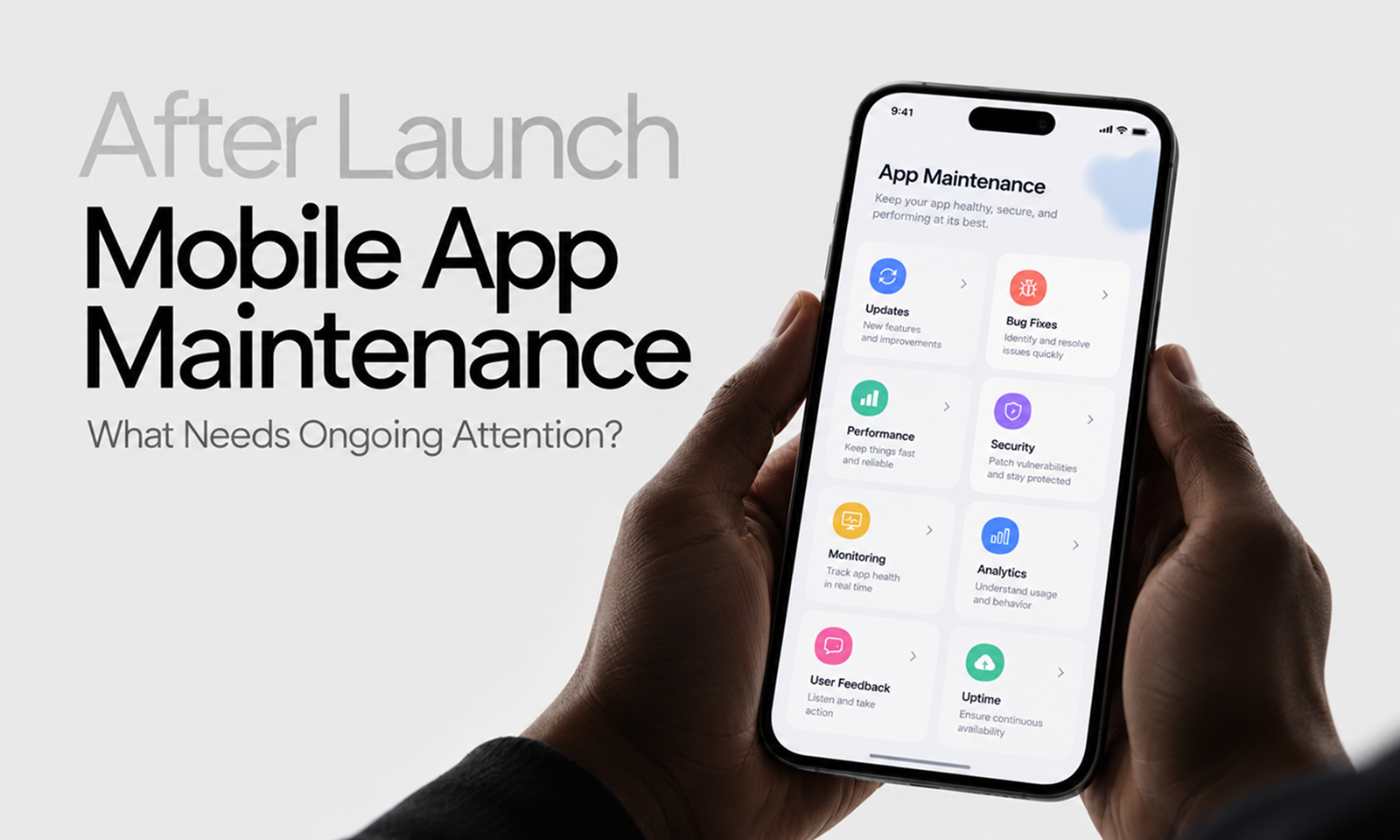
A mobile app can be completely stable on the day it launches and still require meaningful engineering work six months later—even if the product team has added almost no new features.
Users upgrade their phones. Apple and Google release new operating systems. Device manufacturers introduce different hardware. Third-party SDKs change. Store requirements move forward. Backend APIs evolve, certificates expire, and an app version released months ago can remain installed on thousands of devices long after engineering has moved on.
Mobile software lives inside an environment the development team does not control.
That makes post-launch mobile maintenance different from simply “fixing bugs when users report them.”
Mobile app maintenance is the ongoing work required to keep an already released app stable, performant, compatible, secure, distributable and connected to the services it depends on as both the app and the mobile ecosystem evolve.
The platform requirements alone demonstrate why this work cannot stop at launch. As of August 31, 2026, Google Play generally requires new Android apps and updates to target Android 16/API level 36 or higher, with specific exceptions for Wear OS, Android Automotive OS, Android TV and Android XR. Google Play: Target API level requirements
Apple has its own moving baseline: since April 28, 2026, apps uploaded to App Store Connect must be built with Xcode 26 or later using the relevant iOS 26, iPadOS 26 or other current platform SDK. Apple Developer: Upcoming requirements
Your application may not have changed. The ecosystem around it has.
For Levelworks, this is primarily about maintaining Current & Updated, Compatible, Performant, Error Free and User Friendly & Delightful App Health after the initial release.
The first responsibility after launch is knowing whether the app is actually stable in users' hands.
Development and QA environments cover only a fraction of the combinations production will expose:
Track crashes and, on Android, application-not-responding events rather than relying on support reports to reveal them.
Google's Android vitals exposes user-perceived crash and ANR rates along with other quality signals. Google Play also evaluates technical quality over rolling production data and can flag emerging crash or ANR problems before they become larger issues.
Apple provides comparable production evidence through App Store Connect Analytics, where crashes can be analyzed by factors such as app version, device and platform version.
That segmentation matters.
If the overall crash rate is acceptable but Version 6.4 crashes heavily on one popular Android device, the aggregate metric can disguise a severe problem for that group of users.
A useful maintenance routine looks for:
The aim is not merely to reduce a global crash number. It is to find where the live application is becoming unreliable.
Performance also changes after launch.
A screen that loaded quickly with 20 records may behave very differently after a customer has accumulated 5,000. Additional analytics libraries, feature SDKs, images and local data can gradually increase startup time, memory use and background activity.
Useful mobile performance areas include:
Android vitals includes signals such as startup time, slow rendering, memory usage, excessive wakeups and background network usage alongside stability metrics. Android Developers: Android vitals
Tools such as Firebase Performance Monitoring can also collect app-start and lifecycle traces on Apple and Android platforms, while custom traces can measure important application-specific flows.
Do not monitor every function because it is technically possible.
Choose workflows whose deterioration users will notice: opening the app, loading the main dashboard, searching, completing checkout or synchronizing data.
[Internal Link: “Mobile App Performance Optimization: What Should You Monitor?”]
The dedicated performance work belongs there; maintenance needs to make sure degradation is noticed early enough to act on it.
Operating-system updates can change:
That does not mean every annual OS release will break every application.
It does mean mobile teams should treat platform releases as scheduled maintenance events rather than discovering incompatibility after customers update.
Useful preparation includes:
The important distinction is between supporting a new OS and merely discovering that the application happens to launch on it.
A login screen may open correctly while notifications, background synchronization or camera access no longer behave as expected.
[Internal Link: “How OS Updates Can Break Your Mobile App”]
That article covers the mechanisms in detail. For maintenance planning, the important point is that OS compatibility deserves recurring calendar space every year.
Trying to support every phone and every historical OS version indefinitely creates its own maintenance burden.
At some point, older environments become difficult to test, incompatible with current dependencies or too small a portion of the user base to justify their cost.
Review:
Then maintain a deliberate minimum-support policy.
Do not drop older versions simply because the engineering team prefers newer APIs. Conversely, do not retain obsolete compatibility forever because nobody has formally decided to change it.
Support decisions should be based on real usage and business needs.
Mobile applications often depend heavily on third-party SDKs for:
Those SDKs sit inside the released binary.
Unlike a backend library that can be updated centrally, an SDK fix reaches users only when a new app version is built, approved, downloaded and installed.
Review mobile dependencies periodically for:
Waiting several years can turn a routine SDK update into a chain of upgrades involving the application framework, build system and platform target.
[Internal Link: “Why Dependency Updates Are Essential to App Maintenance”]
Mobile teams should especially watch SDKs tied to platform-sensitive behavior such as authentication, notifications and payments because platform changes often reach those integrations first.
A surprisingly important maintenance test is:
Can the team still build and submit the application using currently supported tools?
An application can function correctly in production while its development environment quietly becomes obsolete.
Apple's 2026 submission requirement is a concrete example. Since April 28, 2026, App Store Connect requires uploads to use Xcode 26 or later and the relevant current-generation SDK. Apple Developer: SDK minimum requirements
Google Play similarly advances target API requirements over time. From August 31, 2026, app updates generally need to target Android 16/API 36 or higher. Android Developers: Meet Google Play's target API level requirement
If the application's framework or libraries cannot build against these requirements, a small business request can suddenly become blocked by months of accumulated platform debt.
Build the app regularly, even during periods of low feature activity.
A working production binary is not proof that the development pipeline remains healthy.
Web applications can usually replace the frontend the next time a user reloads.
Mobile applications cannot assume immediate client upgrades.
After releasing Version 8, users may continue running Version 7—or older—for weeks or months.
That creates a post-launch maintenance constraint:
backend changes must account for the mobile versions still active in production.
Suppose the API changes:
{
"status": "active"
}
to:
{
"account_status": "active"
}
Version 8 may understand the new response.
Version 7 may not.
Before removing old behavior, understand:
Apple's App Store Connect analytics allows usage and crashes to be segmented by app version, which is useful for understanding which releases remain active. Apple Developer: App usage analytics
Mobile maintenance therefore includes coordination between client and backend evolution rather than treating them as independent systems.
Push notifications commonly depend on several moving parts:
Backend
↓
Push provider
↓
Platform notification service
↓
Device token
↓
Application
Problems can arise from:
Monitor delivery failures where providers expose them and periodically verify real notification journeys on supported platforms.
Do not use:
“The backend successfully sent the request.”
as proof that users are receiving notifications.
The endpoint between your server and the provider is only one stage of the path.
Mobile releases depend on credentials and accounts that are easy to overlook until the next urgent update.
Depending on platform and architecture, maintenance may involve:
The key maintenance principle is ownership.
Critical credentials should not belong solely to one developer's personal account, and renewal or rotation responsibilities should be known.
When staff, agencies or vendors change, review access promptly.
A technically maintainable app can still become operationally blocked if nobody remaining on the team can submit its next release.
Mobile distribution is controlled by platform owners.
Their requirements extend beyond target SDK versions.
Submission expectations, privacy disclosures, entitlement behavior, age-rating information and other store requirements can change over time.
Apple's current Upcoming Requirements page is a useful example of why teams should actively monitor platform announcements rather than assuming the submission rules from the last release still apply.
Google similarly updates Android and Google Play requirements through official developer guidance.
Someone on the maintenance team should own this watch.
Otherwise a product team can finish an urgent bug fix only to discover that the current build no longer satisfies store submission requirements.
Passing review and appearing in the store is not the end of a release.
Once a new version reaches real users, watch:
Apple App Store Connect specifically allows app-usage and stability metrics to be filtered by application version, device and platform version. Apple Developer: App usage
That makes version comparison useful.
If crash rate rises significantly after Version 9.2, the release itself becomes an obvious investigation boundary.
A staged rollout can also reduce exposure while production evidence accumulates, particularly for higher-risk changes.
The maintenance habit is simple: do not mentally close the release ticket when the binary ships. Close it when enough production evidence shows the version is behaving as intended.
Production monitoring can tell you that a workflow fails.
It may not tell you that users can no longer find it.
App reviews, support contacts and product feedback can reveal issues involving:
Do not use store ratings as your only quality metric; ratings can be influenced by many factors unrelated to maintenance.
Use feedback as diagnostic evidence.
When several reports describe the same behavior, connect them back to technical data by app version, device and OS wherever possible.
That makes customer feedback substantially more actionable than a generic backlog item reading:
“App is broken for some users.”
As the application ages, the mechanism used to produce releases needs maintenance too.
Watch for:
A mature mobile application should be reproducibly buildable from version-controlled source using an understood toolchain.
This becomes especially important because store requirements may force an urgent release even when product development has been quiet.
If generating a release requires rediscovering a three-year-old process first, the application is not genuinely ready to maintain.
The exact cadence depends on the application, but ongoing attention can be organized around several different horizons.
Cadence
Typical attention
Continuous
Crashes, ANRs, backend errors, critical user reports
After every release
Version stability, adoption, critical journeys
Monthly / regular
Dependencies, performance trends, recurring issues
Platform cycle
Upcoming Android/iOS compatibility testing
Before store deadlines
SDK, target API and submission requirements
Periodic review
Supported OS/devices, credentials, technical debt
The important part is that maintenance has a rhythm before an emergency creates one.
A mobile application is unusual software because a large part of its operating environment belongs to somebody else.
Apple controls iOS, its SDKs and App Store submission. Google controls Android platform evolution and Play requirements. Device manufacturers influence hardware behavior, while customers decide when—or whether—to install your latest version.
The maintenance team sits in the middle of those moving pieces.
That is why Current & Updated and Compatible matter so much to mobile App Health. Error Free and Performant reflect what happens on real devices after launch, while User Friendly & Delightful depends on the application continuing to behave well as the platform around it changes.
The practical goal is not to keep changing a mobile app simply because new technology exists. It is to keep the app aligned with the environment in which users actually run it.
Launch puts the application into that environment. Maintenance is what keeps it there.









