

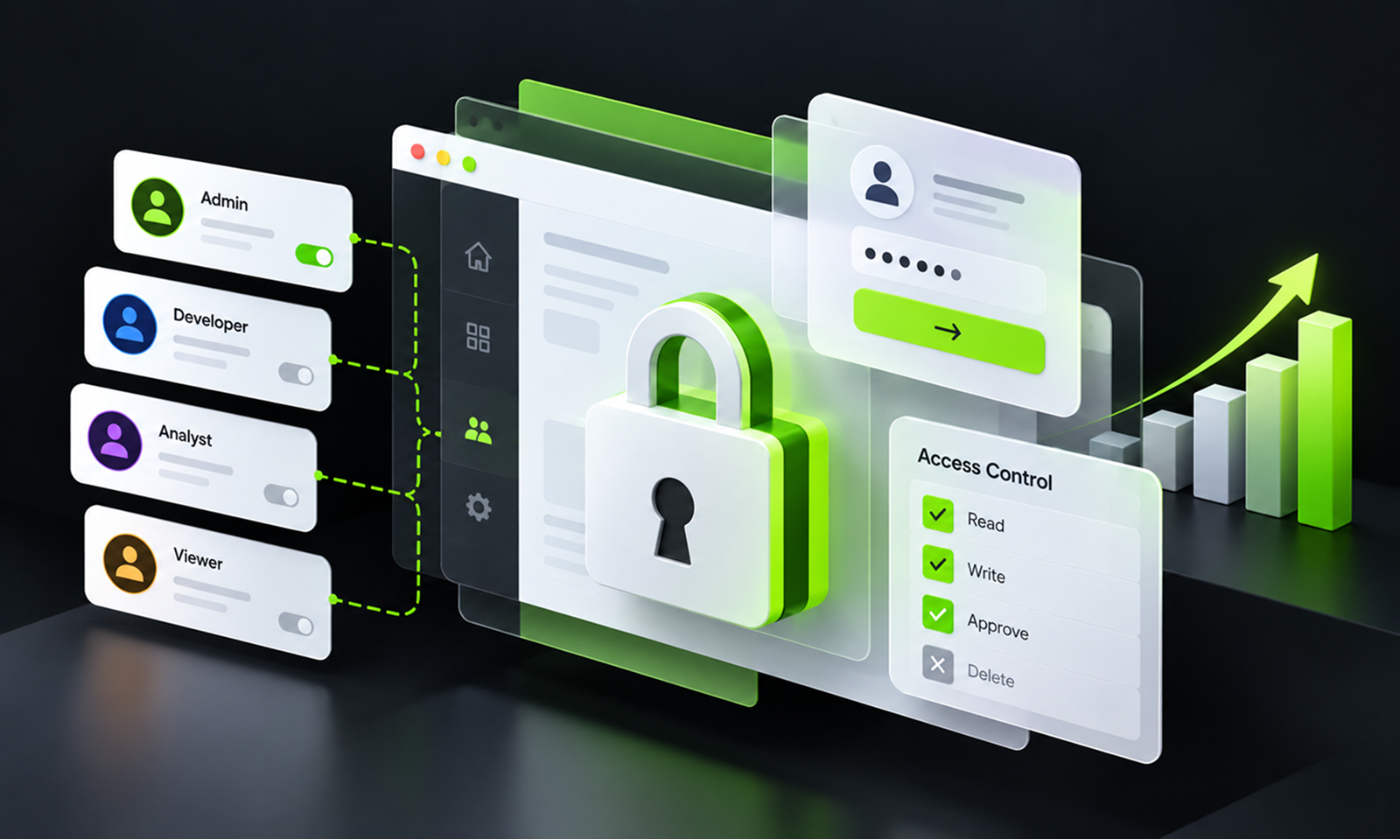
Imagine a SaaS product in its first year.
There are two account types: user and administrator. Employees authenticate with email and password, customers manage only their own records, and a small engineering team understands exactly who can access the administration panel.
Three years later, the same product serves enterprise customers with multiple departments. Customers want their own administrators. Finance users need billing access without access to operational data. Support staff occasionally need temporary customer-account access. Employees use corporate single sign-on, privileged users have MFA, several integrations authenticate as machine identities, and a mobile application shares the same backend.
Then an enterprise customer asks a simple question:
Why can a contractor who moved off this account six months ago still export its reports?
Nothing necessarily failed in authentication. The contractor is still proving their identity correctly.
The problem is that the application's access model did not evolve at the same pace as the business.
This is the central challenge of maintaining authentication and access control in a growing application. Identity systems rarely fail because teams stop caring about security altogether. More often, permissions, roles, sessions, recovery mechanisms and machine credentials accumulate gradually until the rules governing access no longer match how the application is actually used.
OWASP continues to rank Broken Access Control at the top of its 2025 application-security risks, describing failures that allow users to access data or perform actions outside their intended permissions.
For Levelworks, maintaining this area primarily supports the Secure dimension of App Health. The maintenance problem is not merely keeping the login page working; it is ensuring that as the application grows, every identity can still prove who it is appropriately and can do only what it should be allowed to do now.
Growth tends to blur two different questions.
Authentication: Who is this user or system?
Authorization: Given that identity, what may it do?
OWASP's Authorization Cheat Sheet makes the distinction explicit: authentication verifies identity, while authorization determines whether an identified entity is permitted to perform a particular action.
That difference matters during maintenance.
Suppose the application introduces corporate SSO. Authentication has changed substantially, but the business rules deciding who may approve payments may remain the same.
Conversely, adding regional managers might completely change authorization without changing the login process at all.
Treat the two concerns separately during reviews. Otherwise teams can spend considerable effort strengthening login security while overlooking permissions that have gradually become too broad.
Simple role-based access works well when the application itself is simple.
A common early model might contain:
Growth introduces combinations that were never anticipated:
Teams often respond by adding more roles.
Eventually the permissions model becomes a collection of special cases:
AdminExceptBilling
ManagerPlusReports
SupportReadOnly
PartnerAdmin
TemporarySuperUser
At that point, nobody can easily explain what a role actually permits.
The solution is not automatically to abandon role-based access control. It is to reconsider whether permissions should be expressed more deliberately around actions, resources, ownership and context.
For example, instead of assuming:
Role = Manager, therefore access granted.
the application may need to evaluate:
Is this user allowed to approve invoices for this organisation in this region?
OWASP recommends applying least privilege, denying access by default and validating permissions on every request rather than relying only on broad role assumptions. Its authorization guidance also discusses choosing access-control models that fit the application's actual requirements rather than forcing everything into an increasingly complicated role structure.
A growing app should periodically ask whether its access model still represents the business—or merely represents the history of permissions that have been added over time.
One of the most dangerous signs of an aging authorization model is when access control is mainly implemented through the user interface.
Removing the Delete button from a standard user's screen does not mean the user cannot call the underlying endpoint.
Likewise, hiding another customer's project in the navigation does not prove the backend will reject:
GET /projects/48291
when the caller changes the identifier manually.
Authorization should be enforced on the trusted server side and should consider the specific object or operation being requested.
This becomes increasingly important in multi-tenant applications.
An authenticated user may legitimately access:
/customers/124/invoices/893
while having no right to retrieve:
/customers/125/invoices/893
The route, HTTP method and login state may be identical. The authorization decision depends on ownership and relationship to the resource.
OWASP's Broken Access Control guidance specifically includes failures where identifiers can be manipulated to access another user's records, as well as missing authorization checks on APIs and privileged functions.
As the application gains more resources and more relationships between them, these object-level rules deserve explicit regression testing.
Teams often treat a new role as a product feature:
Enterprise customers need a Billing Administrator.
From an access-control perspective, this is also a security-model change.
Before releasing it, define:
The negative permissions matter as much as the positive ones.
Testing only that Billing Administrators can update billing information does not prove they cannot access employee records, modify account ownership or invoke administrative APIs.
Access control is much easier to maintain when permissions are treated as intentional policy rather than scattered conditional statements inside application code.
[Internal Link: “Application Security Maintenance: What Needs to Happen After Launch?”]
A growing application may eventually protect much more valuable accounts than it did when the original authentication system was designed.
An early product might protect low-risk personal preferences. Later, the same account could control financial information, sensitive customer data or administrative access across an organisation.
Authentication requirements should evolve accordingly.
NIST's current Digital Identity Guidelines, SP 800-63-4, published in 2025, provide a risk-based framework covering authentication, authenticators, federation and identity management rather than assuming that one authentication method fits every system.
For a growing commercial application, that can translate into questions such as:
OWASP's Multifactor Authentication Cheat Sheet recommends MFA particularly for important account access and sensitive operations, while also warning that factor-reset and recovery processes can become routes around otherwise strong MFA.
That final point is easy to miss.
If an administrator needs strong MFA to log in but can replace that factor through a weak recovery flow, the application's effective authentication strength is determined by the recovery mechanism.
A user being authenticated five hours ago does not necessarily mean that the current session provides enough assurance for every action.
Consider operations such as:
OWASP's Authentication Cheat Sheet recommends reauthentication for sensitive functions and after risk events such as account recovery or suspicious behaviour.
A growing application should therefore distinguish between:
having a valid session
and
having sufficient recent authentication for this particular action.
This prevents a stolen or unattended session from automatically inheriting every privilege available to the account.
Authentication maintenance does not finish when credentials are accepted.
After login, the session effectively represents the authenticated identity.
OWASP notes in its Session Management Cheat Sheet that once an authenticated session is established, the session token temporarily becomes equivalent to the strength of the authentication that created it.
That makes session behaviour worth revisiting when an application grows.
Ask what happens when:
Does the user's existing session remain valid for another thirty days?
If privileges change, does a long-lived token continue carrying the old authorization state?
The correct implementation depends on architecture, but the maintenance objective is consistent: security-sensitive identity changes should take effect within an appropriate timeframe, including for sessions that already exist.
Growing applications usually have good processes for adding access because somebody is waiting for it.
Removal receives less attention.
A customer administrator creates accounts for three contractors. A project ends. Two are removed, while the third remains because nobody owns the cleanup process.
An employee changes teams but retains privileges from the previous role.
A temporary support permission granted during an incident becomes permanent.
This is classic permission drift.
NIST SP 800-53's account-management controls include monitoring privileged assignments and revoking them when they are no longer appropriate, reinforcing the idea that accounts and privileges need lifecycle management rather than one-time approval.
A mature application should support the full access lifecycle:
Provision → modify → review → revoke
not just:
Provision → forget
This becomes especially important for privileged access.
A useful access review should ask not merely whether an account still exists, but whether the user still needs the permissions attached to it.
Business applications increasingly delegate identity management to customers.
An enterprise customer may be able to:
That reduces operational burden for the application provider, but it creates a second access-management boundary.
The product should make it difficult for customer administrators to create insecure states accidentally.
For example, consider whether the product clearly shows:
For high-value environments, activity around role assignment itself may deserve logging and notification.
Access control becomes much easier to maintain when customers can understand their own access state instead of depending on support to reconstruct it.
As an application grows, humans are no longer the only entities authenticating.
There may be:
These identities can become extremely powerful because they often need persistent access and operate without interactive login.
Treat them as identities with their own lifecycle.
Ask:
Avoid giving machine identities broad administrator privileges merely because doing so makes integration easier.
The same least-privilege principle that applies to users applies to software.
[Internal Link: “API Security Maintenance: How to Keep Integrations Secure Over Time”]
Introducing SSO can simplify identity management, but federation itself becomes another security-sensitive dependency.
Mappings between identity-provider groups and application roles can drift. An enterprise customer may change its directory structure, while stale mappings continue granting application privileges.
OAuth implementations need similar attention.
The IETF's RFC 9700, Best Current Practice for OAuth 2.0 Security, published in 2025, updates earlier OAuth security guidance based on practical experience, addresses newer attack patterns and deprecates some modes considered less secure.
The important maintenance lesson is broader than OAuth:
A standards-based implementation still needs review over time.
As authentication guidance evolves, check whether older flows, token handling, redirect behaviour or client configurations remain appropriate rather than assuming that “we use OAuth” is itself a security conclusion.
Authentication tests naturally verify successful login.
Access-control tests often need the opposite mindset.
Suppose the application supports four account types:
Test
Expected result
User accesses own record
Allowed
User accesses another tenant's record
Denied
Manager reads team report
Allowed
Manager opens global administration API
Denied
Billing admin changes billing details
Allowed
Billing admin changes account owner
Denied
Disabled user reuses old session
Denied
Support user accesses customer outside assigned scope
Denied
These negative cases should become regression tests where practical.
Otherwise access-control defects can return when routes are refactored, APIs are added or role logic changes.
This is one reason Tested supports Secure App Health. Authentication and authorization are not controls you want to verify manually only during annual security testing.
Authentication failures deserve visibility, but so do changes to access.
Useful security events can include:
The purpose is not to generate a notification for every routine account change.
It is to preserve enough evidence to answer questions later:
Who gave this user administrator rights?
When was the MFA factor replaced?
Did this disabled account continue using an existing session?
Which administrator granted this integration additional access?
That is the practical connection between Secure and Observable App Health.
Access controls are easier to maintain when important changes leave an audit trail.
Authentication and access-control reviews should not depend exclusively on a calendar.
Certain application changes are strong signals that the model deserves reassessment.
Growth event
What to recheck
Enterprise customers added
tenant isolation, customer administrators, SSO
New user roles introduced
role boundaries and prohibited actions
Sensitive data added
authentication assurance and permissions
Mobile/API client launched
consistent authentication across entry points
New support tooling
temporary and privileged access
Third-party integration added
machine identity, scopes and credentials
Organisation/team model changes
resource ownership rules
MFA or recovery flow changes
bypass and recovery risk
Major identity provider change
federation, mappings and session behaviour
Security incident involving an account
related authentication and access assumptions
These reviews can be targeted.
Adding a billing role does not require redesigning the entire identity system, but it does justify verifying that billing privileges stop where the product intends them to stop.
A growing application is particularly likely to need attention when:
These are not merely signs of messy administration.
They indicate that the application's security model is becoming harder to reason about, which increases the chance that inappropriate access remains unnoticed.
A useful periodic review does not need to begin with every account in the database.
Start with the model.
Ask:
How can people and systems authenticate today? Are old or forgotten authentication paths still available?
Which roles or attributes grant sensitive capabilities, and are they still necessary?
Where does the application decide whether a user can access a specific customer's, organisation's or user's information?
What happens when somebody joins, changes responsibility or leaves?
How quickly do permission changes and account disablement affect existing access?
Can password or MFA recovery bypass stronger authentication controls?
Which non-human identities exist, and who owns them?
Can the team reconstruct important access and privilege changes later?
Are there automated checks proving that prohibited access remains prohibited?
If the team struggles to answer these questions, the problem is not necessarily that the application lacks security features.
The access model may simply have become less understandable than the application it protects.
[Internal Link: “Security, Privacy and Compliance: The App Maintenance Checklist”]
Authentication and access control are easy to think about as features established early in development: build login, define some roles and move on.
Production applications do not stay that simple.
Customers gain administrators, departments appear, employees change responsibility, APIs and mobile clients create new entry points, support teams need controlled access, SSO changes how identity is established and automation introduces accounts that are not people at all.
Maintaining access control means continuously bringing those new realities back into the security model.
For Levelworks, a Secure application is not one whose original authentication design has survived unchanged. It is one where identity and permissions continue to reflect the product and organisation the application serves today.
The most useful maintenance question is therefore not:
“Can everyone who should log in still log in?”
It is:
“For every person and system that can authenticate today, is the application still making the right decision about what they are allowed to do?”
As the application grows, that second question becomes progressively more important.









