

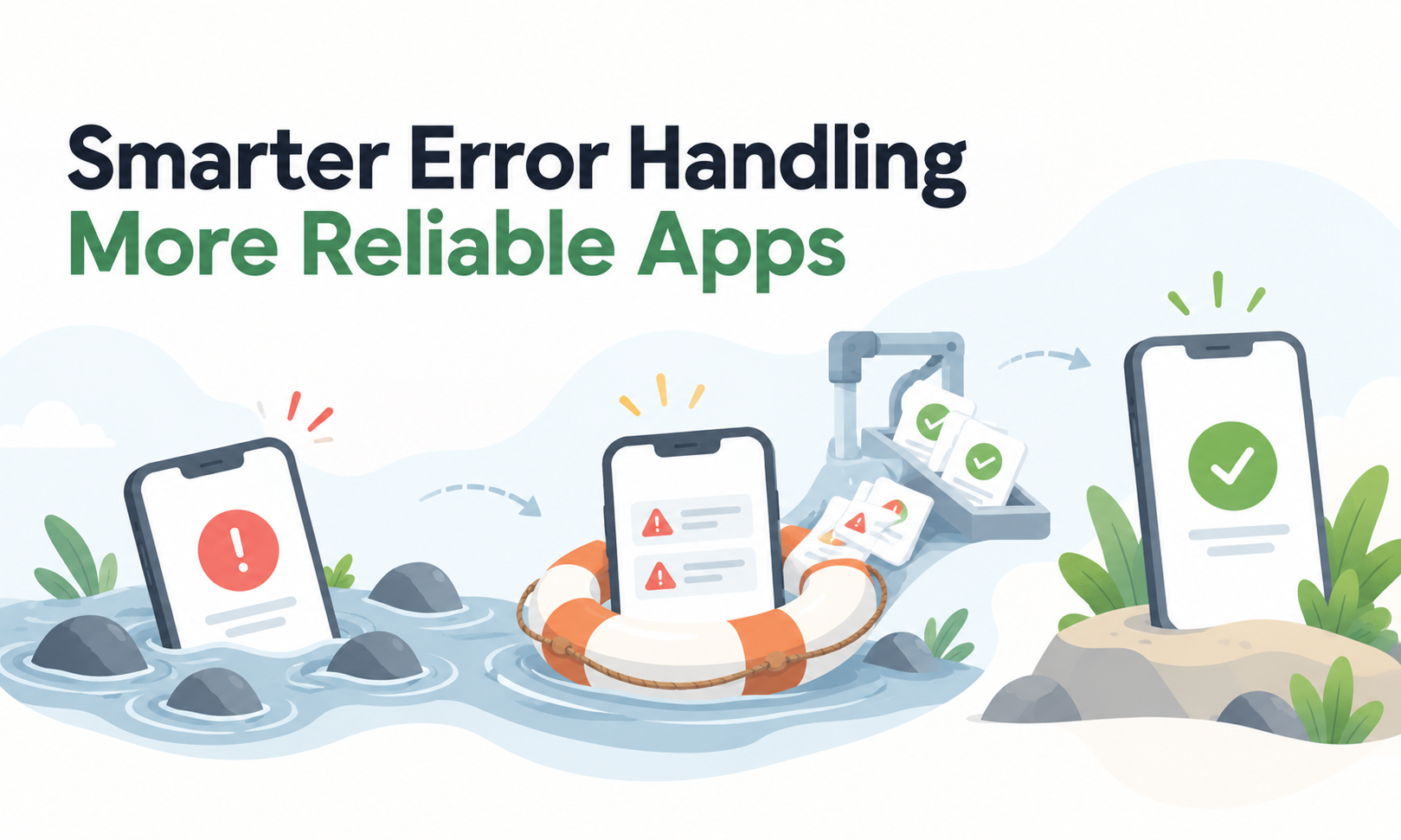
Reliable applications are not applications where errors never happen.
Network calls time out. Users submit invalid data. Files disappear. Databases reject queries. Dependencies become unavailable, and code eventually encounters conditions its developers did not anticipate.
Reliability depends on what the application does next.
A useful error-handling design should answer three questions clearly:
What failed? What should happen now? What information needs to survive so the failure can be understood later?
If those decisions are left to scattered try/catch blocks, generic 500 responses and whatever happens to appear in the logs, relatively small failures can become confusing user experiences and difficult production incidents.
For Levelworks, this primarily affects the Error Free and Explainable & Debuggable dimensions of App Health. Errors will still occur, but healthy applications contain them, report them accurately and preserve enough context for teams to act.
Not every unsuccessful operation is an application defect.
These are different situations:
Treating all five as the same generic error makes both user behaviour and operational monitoring worse.
Expected conditions should normally have deliberate handling and clear outcomes. Unexpected exceptions should surface as genuine failures that engineering can investigate.
OpenTelemetry's current guidance makes a similar distinction: whether an operation should be treated as an error depends on the context, and an unsuccessful status does not automatically mean the application itself malfunctioned.
A useful classification is:
Error type
Typical handling
Invalid user input
Explain what needs correcting
Business-rule rejection
Explain why the action cannot proceed
Authorization failure
Deny safely without exposing sensitive detail
Temporary dependency problem
Fail or retry according to defined policy
Unexpected application exception
Contain, log and investigate
That classification gives the rest of the error-handling strategy a meaningful starting point.
Broad exception handling can make an application appear stable while hiding real defects.
For example:
try:
process_order()
catch:
return success
The application did not become reliable because it avoided crashing. It simply lost the information that the order failed.
Microsoft's .NET exception guidance recommends catching exceptions when the application can recover, release resources or add useful handling, while noting that undefined behaviour can be less reliable than allowing a serious error to fail clearly.
A catch block should generally have a purpose:
If it can do none of those, swallowing the exception often makes diagnosis harder.
One common maintenance problem is an error that loses useful information as it moves through application layers.
A database throws a timeout.
The repository converts it to "Database error".
The service changes that to "Operation failed".
The API finally returns "Something went wrong".
The user-facing message may appropriately remain generic, but engineering now needs access to the original cause.
Preserve meaningful context such as:
OpenTelemetry recommends consistently recording error type and exception information and correlating exception records with the operation in which they occurred.
[Internal Link: “How Better Logging Makes Apps Easier to Maintain”]
For APIs, error responses are part of the interface.
Returning 200 OK with:
{"success": false}
for every failure forces clients to invent their own interpretation of whether an HTTP request actually succeeded.
HTTP already provides semantics for this. RFC 9110 distinguishes client errors in the 4xx range from server failures in the 5xx range, allowing clients and infrastructure to reason about the result appropriately.
Where applications need more detail, RFC 9457 Problem Details for HTTP APIs defines a standard structure for machine-readable error information instead of requiring every API to invent a different format.
A useful API error should tell the client enough to decide what to do next without exposing unnecessary internal detail.
For example, distinguish between:
Clients can then respond correctly instead of treating every failure as retryable.
Detailed errors are useful internally and potentially dangerous externally.
A raw exception might reveal:
OWASP's Error Handling Cheat Sheet warns that poorly handled errors can expose technical information useful to attackers during reconnaissance.
Separate user information from diagnostic information.
A user might see:
We couldn't complete your request. Please try again later. Reference: 7AB42.
Internally, the same reference can connect to the full exception, service name, request trace and relevant context.
This gives the user something actionable without turning the error screen into a map of the application's internals.
A retry is part of error handling only when another attempt has a realistic chance of producing a different result.
Retrying a brief network timeout may make sense.
Retrying invalid input does not.
Neither does endlessly retrying a permanent authorization failure.
Classify errors into at least:
Retryable: temporary network failure, transient dependency overload.
Non-retryable: malformed input, permission denied, invalid business state.
Unknown: unexpected condition requiring investigation rather than automatic repetition.
Retries also need limits and backoff so an unhealthy dependency is not flooded with additional requests.
Just as importantly, mutating operations need protection against duplicate side effects. Retrying an ambiguous payment or order submission without idempotency can create a worse failure than the original timeout.
An error should not leave the application halfway between two valid states.
Suppose an operation:
If the third step fails, the application needs an explicit decision about what happens to the first two.
Depending on the architecture, that may involve a transaction, compensation, durable workflow state or later reconciliation.
Microsoft's exception-handling guidance specifically recommends restoring state when an operation does not complete successfully.
Reliable error handling therefore means more than producing a message.
It protects the correctness of the application after failure.
Logging every exception at every layer creates duplicate noise.
A database client logs the timeout, the repository logs it again, the service logs it again and the API handler logs the same exception once more.
One failure now looks like four.
Instead, choose the layer where the application has enough context to describe the problem meaningfully, and correlate lower-level telemetry where necessary.
Useful error records should make questions like these easier to answer:
OpenTelemetry also recommends severity based on the actual impact of the exception rather than treating every exception identically.
[Internal Link: “How to Find the Root Cause of Application Errors Faster”]
Error handling often receives less testing than successful workflows.
That is why problems emerge in production such as:
Tests should cover representative failure conditions alongside successful ones.
For important workflows, ask:
Error paths are production code. They deserve the same engineering attention as the happy path.
[Internal Link: “Why the Same Bugs Keep Coming Back and How to Stop Them”]
The purpose of error handling is not to hide every problem.
It is to make failures controlled, understandable and safe.
That means distinguishing expected conditions from genuine defects, handling only errors the application can meaningfully respond to, preserving diagnostic context, returning accurate responses, protecting sensitive implementation detail, retrying selectively and ensuring failed operations do not leave corrupted state.
For Levelworks, this is the practical connection between Error Free and Explainable & Debuggable App Health. An application will never eliminate every error, but it can make sure individual errors do not become mysterious behaviour that users and engineers have to reverse-engineer later.
The best error handling leaves very little ambiguity about what happened—and equally little ambiguity about what the application should do next.









