

A team is preparing a routine maintenance release.
The application has received a framework update, three bug fixes and a small change to its checkout form. Before release, one engineer runs hundreds of automated tests in less time than it would take a person to manually work through the application's major screens.
Everything passes.
During a short exploratory review, however, a tester notices something the automated suite never considered: on a smaller laptop screen, a new validation message pushes the Pay button below a fixed footer, making it almost impossible to click.
Now reverse the situation.
Imagine the team has no meaningful automation. Every maintenance release requires someone to open the application, log in with several account types, create test records, place orders, verify reports and work through the same checklist by hand. The release is safe only as long as someone has enough time to repeat the process carefully—and remembers every important scenario.
Neither approach is particularly strong on its own.
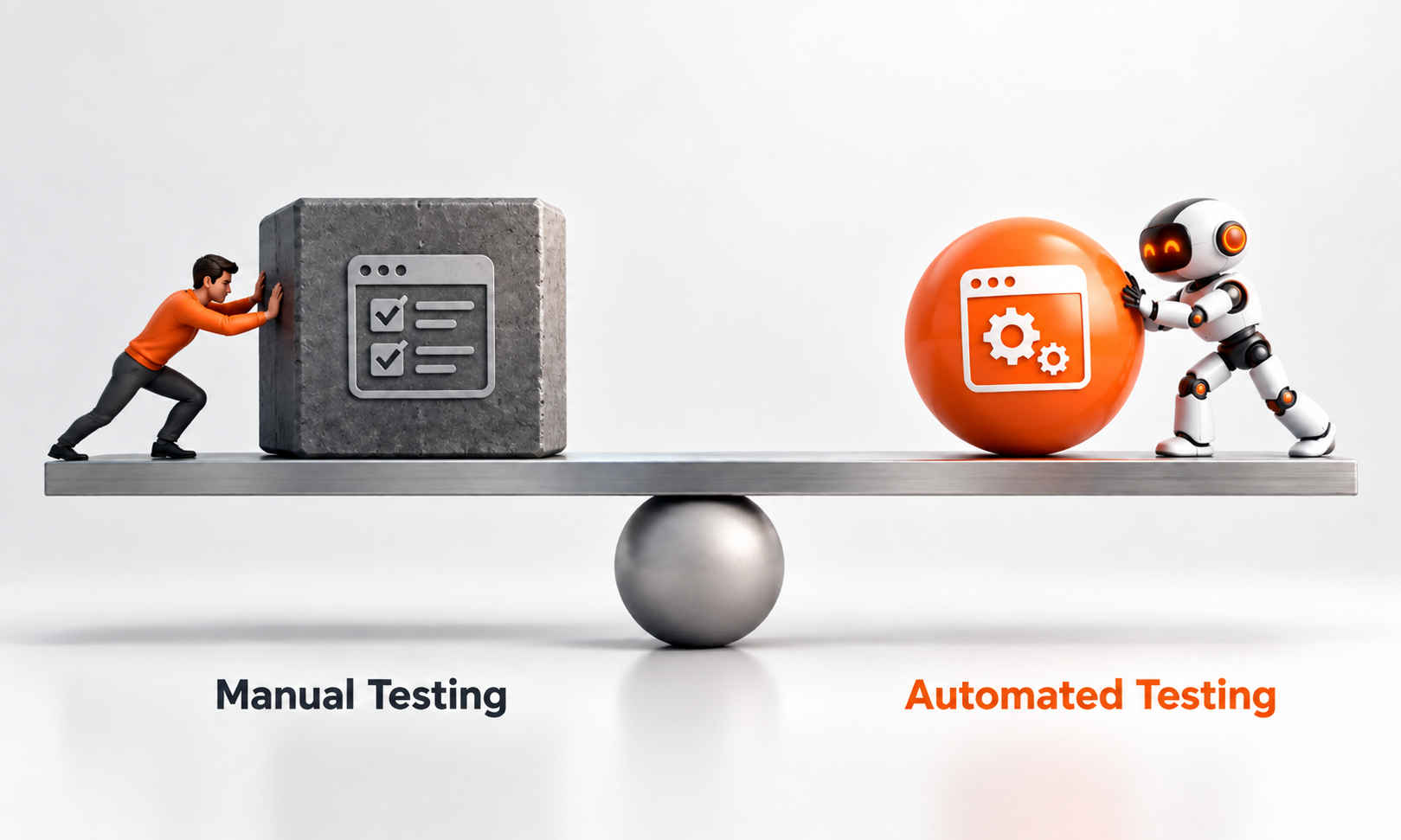
Automated testing is best at repeatedly checking known expectations. Manual testing is strongest when human observation, exploration and judgment are needed to discover problems that have not yet been turned into repeatable tests.
That distinction is especially important in application maintenance, where teams make frequent changes to software that already has a large body of existing behaviour to protect.
DORA's current Test Automation guidance explicitly recommends running both automated and manual testing throughout the software-delivery process. It identifies automation as essential for fast, reliable feedback while retaining manual activities such as exploratory, usability and acceptance testing where human judgment adds value.
For Levelworks, the objective is therefore not to choose between automated and manual testing. It is to use each where it provides the strongest evidence that the application remains Tested as it changes.
The easiest way to understand the difference is to look at the questions each approach handles well.
Automation is excellent at asking:
Does this known behaviour still produce the expected result?
Manual exploratory testing is better at asking:
What happens if I use this changed application in ways the test suite has not anticipated?
Consider a customer-registration workflow.
Automated tests might verify:
A tester exploring the same change might notice that the password requirements are confusing, the mobile keyboard hides an important field, the validation sequence feels broken or an unusual navigation path leaves the form in an inconsistent state.
Both are quality problems.
They simply require different ways of finding them.
The ISTQB definition of exploratory testing captures this difference well: tests are dynamically designed and executed using the tester's knowledge, exploration of the product and information learned from previous results.
Automation executes predefined knowledge efficiently.
Exploration creates new knowledge.
Application maintenance involves repetition.
A dependency update may require checking behaviours that worked yesterday. A bug fix can inadvertently affect a neighbouring workflow, while a refactor is successful only if externally visible behaviour remains unchanged.
Repeated verification is where automation earns its place.
Useful automated maintenance checks commonly include:
DORA identifies manual regression testing as slow and expensive when used as the primary verification mechanism, and recommends fast, reliable automated suites integrated into the delivery pipeline so developers receive feedback close to the change.
That speed changes maintenance economics.
If every dependency update requires two days of manual regression testing, teams naturally become reluctant to update frequently.
If most established behaviour can be checked automatically, smaller maintenance changes become easier to make and verify.
This is one way Tested supports Levelworks' Current & Updated and Seamlessly Updatable App Health dimensions: updating software becomes less risky when existing behaviour can be rechecked quickly.
[Internal Link: “Regression Testing: How to Update an App Without Breaking Existing Features”]
Production defects should make the automated suite smarter.
Suppose an application once allowed two identical API requests to create duplicate subscriptions.
Engineering fixes the problem.
If the scenario is deterministic and important, it should generally become an automated regression test. The test preserves the lesson so future developers do not have to remember that the defect once existed.
This creates a useful maintenance loop:
Bug discovered → defect reproduced → fix implemented → regression test added → future changes automatically recheck the condition
DORA recommends exactly this kind of evolution: when exploratory testing or production reveals a bug, teams should consider adding automated coverage so the same defect can be caught earlier in future changes.
Automation is strongest when the expected behaviour is clear and likely to need repeated verification.
[Internal Link: “Why the Same Bugs Keep Coming Back and How to Stop Them”]
Manual testing is sometimes described as though it simply means a person executing test cases that could have been automated.
That is only one form of it—and usually not the highest-value form.
For maintenance work, human testing becomes particularly useful when:
The Practical Test Pyramid argues strongly for automating repetitive checks while retaining exploratory and usability testing for quality characteristics that automated tests do not observe well.
A human can notice that something feels wrong without already knowing which assertion should fail.
That is valuable.
The tester might discover that a workflow technically succeeds but now requires twice as many steps, that an error message is misleading or that two individually correct interface changes interact badly.
These are difficult discoveries to obtain from a suite that only checks predefined outcomes.
Consider an automated test that verifies a modal opens after the user clicks a button.
The assertion passes.
Yet the modal covers the control the user needs next, has unreadable text on a particular viewport and cannot be dismissed using the keyboard.
Technically, the expected component appeared.
From a user's perspective, the feature may still be poor.
This is why automated testing should not be interpreted as proof that every aspect of an application is correct.
Automation can verify many functional expectations extremely well. Human observation is still useful for evaluating qualities such as:
The testing strategy should match what you are trying to learn.
The ability to automate a test does not automatically make automation worthwhile.
Imagine a UI test that takes forty seconds, fails unpredictably whenever animation timing changes and requires frequent updates because designers regularly adjust the page structure.
If the behaviour it verifies could be checked through a fast, stable API or component test instead, keeping the fragile UI automation provides little value.
Martin Fowler's Test Pyramid recommends having many more lower-level automated tests than broad tests driven through the user interface, partly because UI tests tend to be slower and more costly to maintain.
Before automating a maintenance check, ask:
The purpose is not maximum automation.
It is useful automation.
There is an important difference between manual exploration and manual repetition.
A tester deliberately exploring a newly changed workflow can be highly valuable.
A tester manually entering the same addresses, placing the same orders and checking the same calculations after every release is doing work software can often perform more consistently.
DORA notes that people are poorly suited to repetitive regression checking and that long manual test phases create slow feedback loops. Its recommendation is not to eliminate testers, but to shift human attention toward higher-value activities while automating repeatable verification.
A mature maintenance strategy should therefore gradually convert stable, repeated manual checks into automated ones.
Human effort can then move toward:
That produces a better division of labour than repeatedly making people imitate automated scripts.
Automated versus manual testing is sometimes discussed as though the test mechanism is the only important difference.
The data used can matter just as much.
A maintenance fix may work with newly created records but fail on accounts that have existed for five years.
A migration may pass with perfectly formatted test data but fail on older records containing unexpected null values.
DORA's Test Data Management guidance recommends realistic data that represents important user journeys, edge conditions and known defects, while warning against simply copying sensitive production information into lower environments.
Both automated and manual tests should therefore exercise meaningful states.
Good test data might represent:
A weak scenario remains weak whether a machine or a person executes it.
For most maintenance changes, an effective testing flow is layered rather than competitive.
Imagine a dependency upgrade.
Unit, integration and API tests run as soon as the change is introduced.
Obvious incompatibilities appear quickly.
Tests around functionality that depends heavily on the changed dependency receive particular attention.
A tester explores affected workflows, especially where visual behaviour, unusual interactions or previous experience suggests risk.
A small set of automated or targeted checks confirms that the deployed application is functioning in its actual environment.
This pattern keeps expensive human attention focused on uncertainty while machines handle predictable repetition.
DORA's model similarly places automated testing throughout the delivery pipeline while retaining manual exploration, usability and acceptance activities as part of continuous testing rather than treating testing as one final phase.
Different maintenance work calls for a different balance.
Maintenance change
Automation value
Manual testing value
Business-rule bug fix
Very high
Targeted
Dependency update
High
Targeted around affected workflows
Large UI redesign
Moderate–high
Very high
API refactor
Very high
Usually lower
Browser-specific issue
Useful once reproduced
High during investigation
Database migration
High
Targeted validation
Accessibility/UI behaviour change
Useful for repeatable checks
High for human evaluation
Previous production regression
Very high
Useful during reproduction
The table is not a rulebook.
Its purpose is to make the testing decision follow the nature of the risk.
This often creates large, expensive suites full of fragile tests.
Teams start automating low-value visual interactions because automation coverage itself has become the target.
Tests become slow, failures become noisy and engineering spends significant time repairing the test suite rather than learning about the product.
DORA explicitly recommends continuously reviewing and improving automated suites, including pruning tests when a smaller reliable suite is more trustworthy than hundreds of expensive or unreliable tests.
This may work while an application is small and releases are rare.
As the product grows, however, the amount of behaviour that needs rechecking increases while the available release time does not.
Eventually testing becomes selective—but implicitly. People skip steps because there is not enough time.
That is much less safe than deliberately deciding which repetitive checks should be automated and where human attention adds more value.
Having 8,000 automated tests is not automatically better than having 800.
Likewise, spending five days on manual QA does not prove that a release was thoroughly tested.
Better questions include:
Google's code-review guidance includes automated tests as one dimension of code quality, alongside functionality, design and complexity rather than treating raw test quantity as the objective. Google Engineering Practices
Testing should provide evidence for decisions.
Counting tests is only useful when that count tells you something meaningful about that evidence.
For any maintenance test, ask three questions.
If yes, automation may be appropriate.
If you are still trying to understand the application's behaviour, human exploration may produce more information first.
The more frequently a deterministic check needs to run, the stronger the case for automation.
A scenario executed after every release is a much better candidate than a one-off investigation.
If the question is whether total = 125.00, software can evaluate it easily.
If the question is whether a redesigned workflow is confusing or whether an interface remains usable under unusual conditions, human observation has much more value.
Those three questions usually produce a more useful testing decision than asking whether automation or manual testing is “better.”
For a mature application, the bulk of predictable regression checking should generally become automated.
That gives teams rapid feedback when they patch dependencies, fix bugs, refactor code and make routine updates.
Human testing should then concentrate where people are strongest: exploration, usability, unusual combinations, newly changed behaviour and situations where the team does not yet know exactly what can go wrong.
[Internal Link: “CI/CD for App Maintenance: How Automated Releases Reduce Risk”]
For Levelworks, this balance is central to Tested App Health. It also affects Seamlessly Updatable because maintenance becomes easier when a reliable automated safety net can verify routine changes without eliminating the human investigation needed for less predictable risk.
The right question is therefore not:
“Should we automate our testing or keep testing manually?”
It is:
“Which checks are valuable because a machine can repeat them perfectly, and where do we still need a person to notice something we did not know to ask about?”
A strong maintenance strategy makes machines responsible for repetition and keeps human attention available for discovery.









